HelpMDM
How MDM works
The configuration profile is the control plane. Install the profile, then the pkg.
VPL- personal (2 Macs) · VTL- team (seats)
The configuration profile is the whole control plane. There is no Veil policy server and no fleet dashboard. Preference domain com.itsveil.app.
Install order is required: profile first, then the pkg. The silent installer launches Veil after install. If the profile is not on the Mac yet, that first launch will not see the team key.
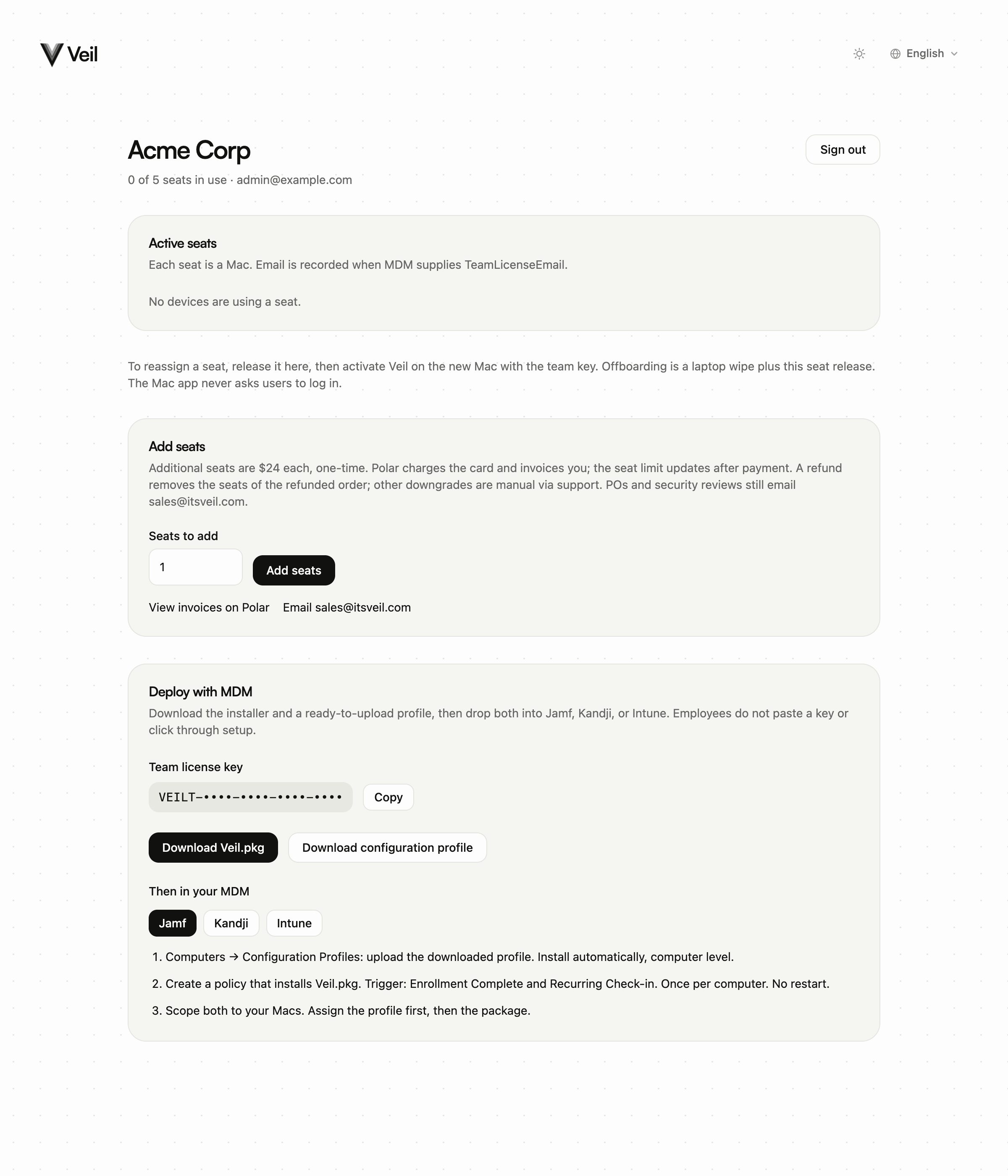
Download Veil.pkg and the configuration profile from the team portal Deploy with MDM card. Do not ship the consumer Veil.dmg as the fleet installer, and do not put a personal VPL- key in the profile.
Employees do not paste a key or click through setup. Send them to Managed Mac, not the personal two-Mac guide.
Next: Install the pkg · Preference keys.