HelpSeats
Team portal
Admins sign in with a magic link. There are no employee accounts.
VPL- personal (2 Macs) · VTL- team (seats)
The team portal is licenses.itsveil.com. Only the admin email on the purchase signs in. There is no password, no extra roles, and no employee accounts.
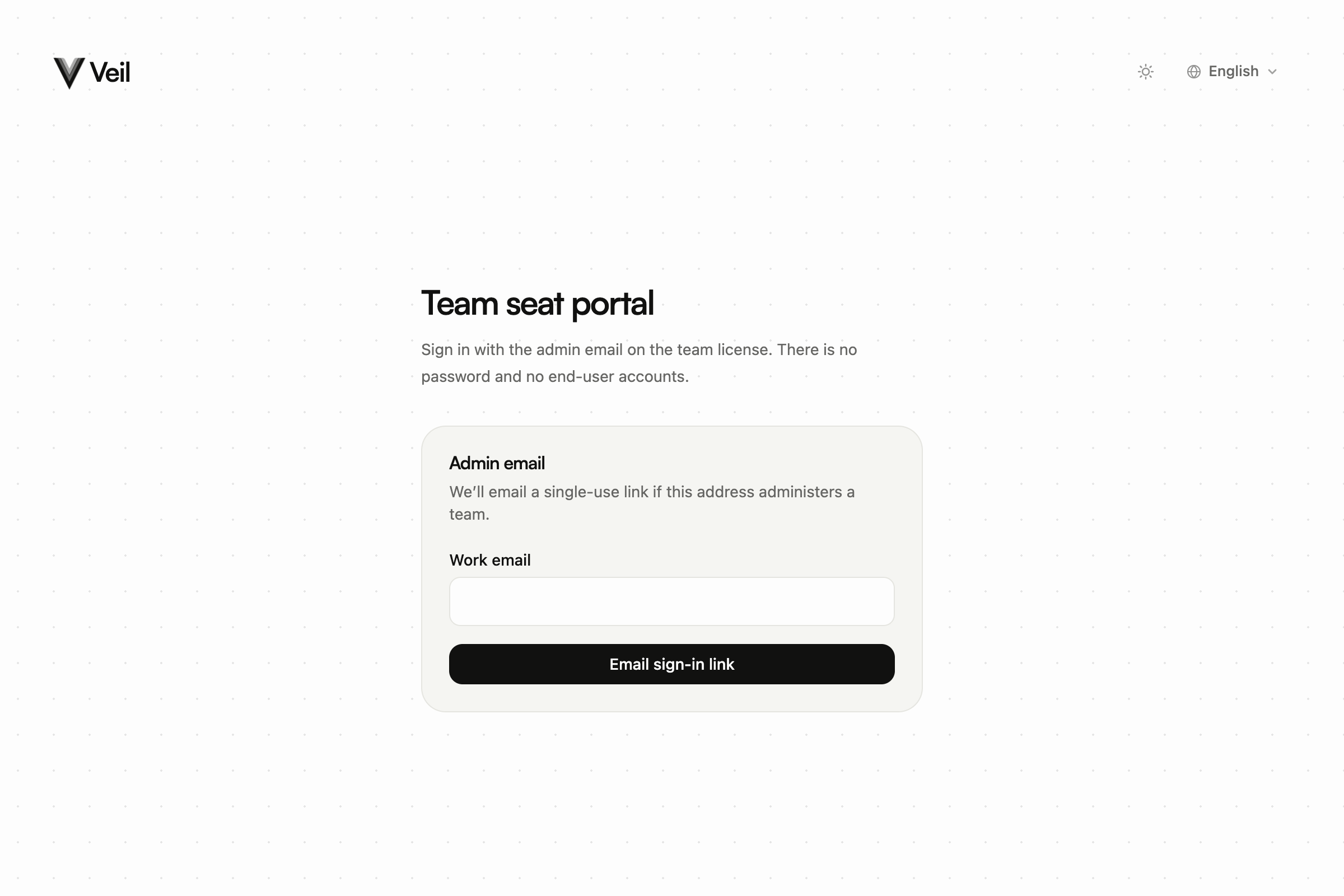
Team seat portal sign-in asking for the admin work email
Sign in
- Open licenses.itsveil.com/login. The page is titled Team seat portal.
- Enter the admin Work email and choose Email sign-in link.
- You land on Check your email. If that address administers a team, Veil sends a single-use link that expires in 15 minutes.
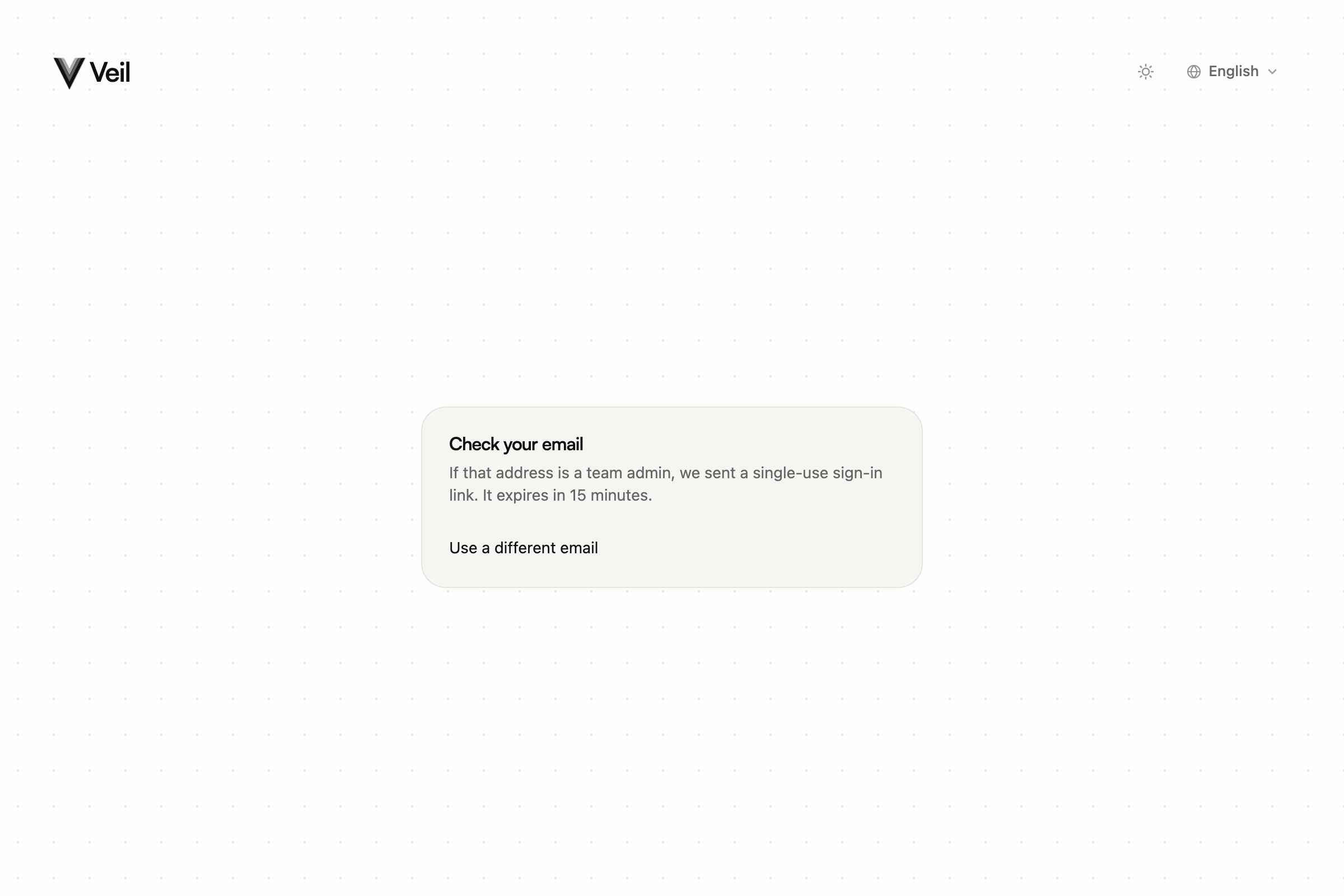
Check your email page after requesting a team portal sign-in link
Screenshot coming soon
Team portal email with a single-use sign-in link
/help-screenshots/veil.email.team.magic-link.png
Team portal email with a single-use sign-in link
The form does not tell you whether the address is an admin. Open the link from that inbox. After sign-in you are on /seats. Use Sign out when you are done.
Employees should not open this page. They paste a VTL- key on the Mac, or IT installs Veil. Send them to Activate a team key.