HelpCompany Mac
Activate a team key
Paste a VTL- key in Settings › License. There is no employee login.
VPL- personal, two MacsVTL- team seats
Your company gave you a team key. It starts with VTL-. Paste it on this Mac. There is no employee login in Veil, and you do not sign in at the team portal.
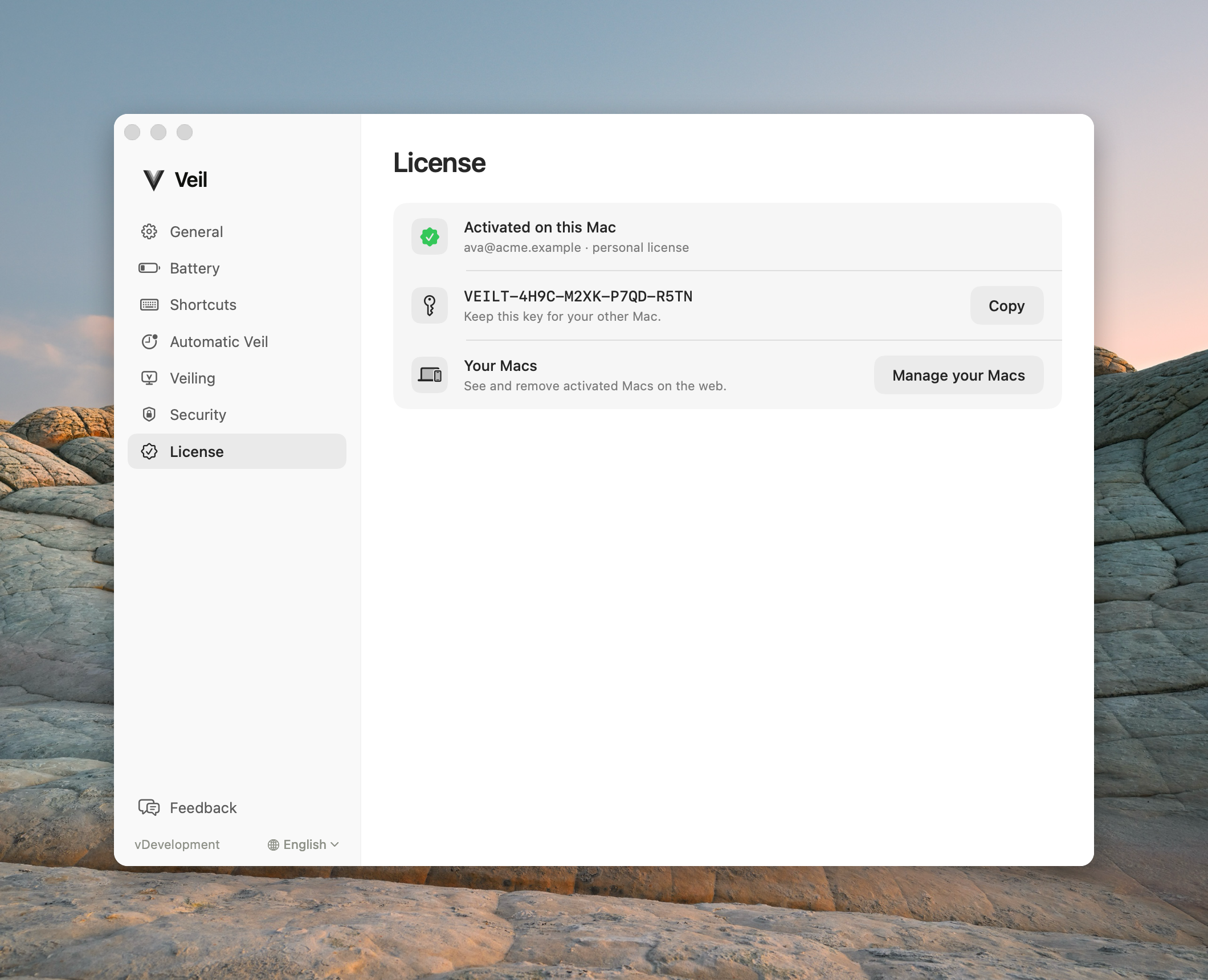
Settings › License after a VTL- team key is active on this Mac
Paste the key
- Open Veil from the menu bar, then choose Settings….
- Open the License pane.
- Paste the full VTL- key. Do not buy a personal VPL- key, and do not type a personal key here.
Veil activates this Mac against your team’s seat pool. You never create an account in the Mac app.
What you can ignore
Manage your Macs opens the admin sign-in at licenses.itsveil.com/login — the seat portal, not a member page. Only the person who bought the team license signs in there. If you are not that admin, leave the button alone.
If Veil was installed by IT and rows already say Managed by your organization, you do not paste a key. See Managed Mac.