HelpSeats
Manage seats
Release a seat, add seats, and offboard a Mac from the pool.
VPL- personal (2 Macs) · VTL- team (seats)
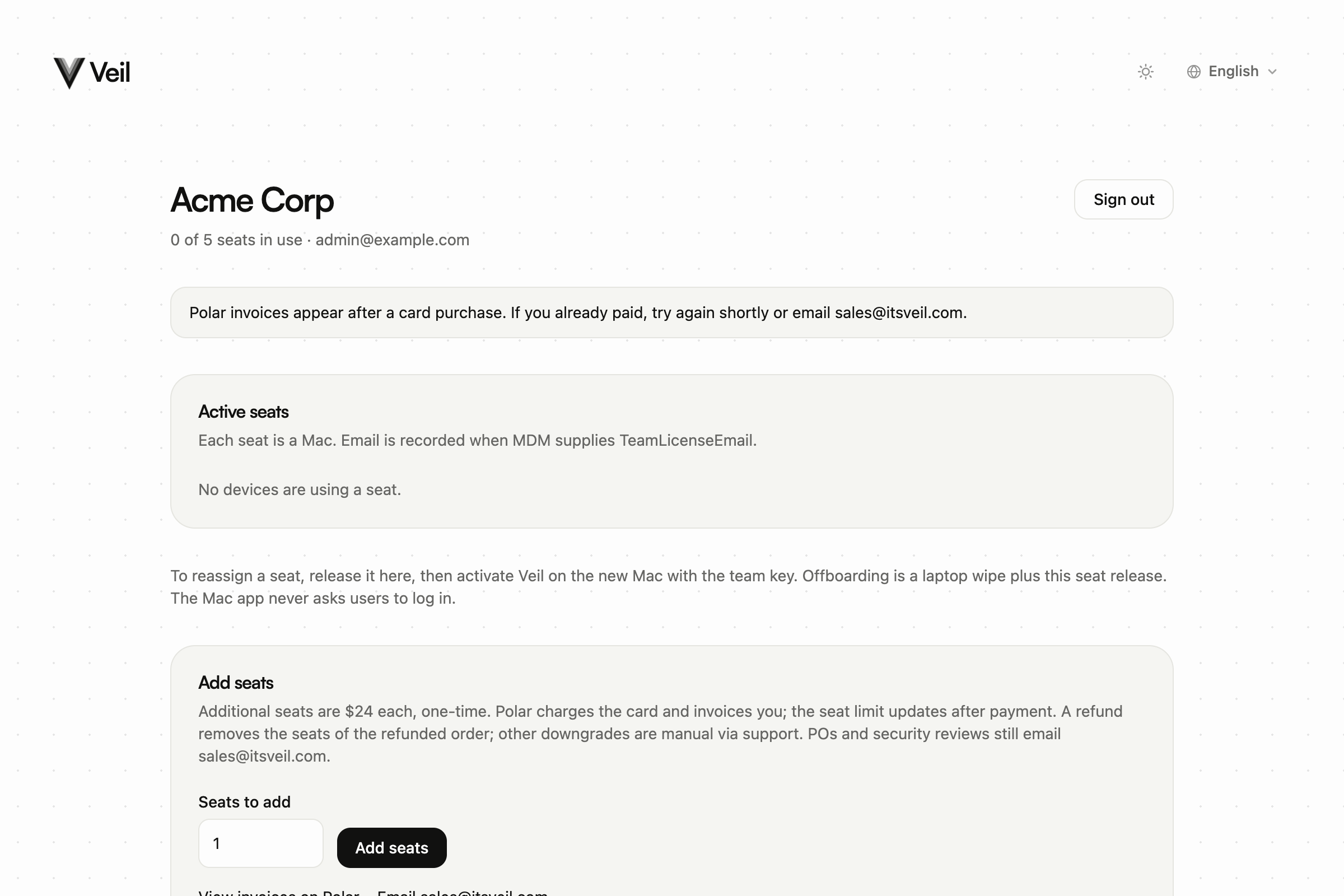
After you sign in, /seats is the team home. Each seat is one Mac. Employees never see this page.
Release a seat
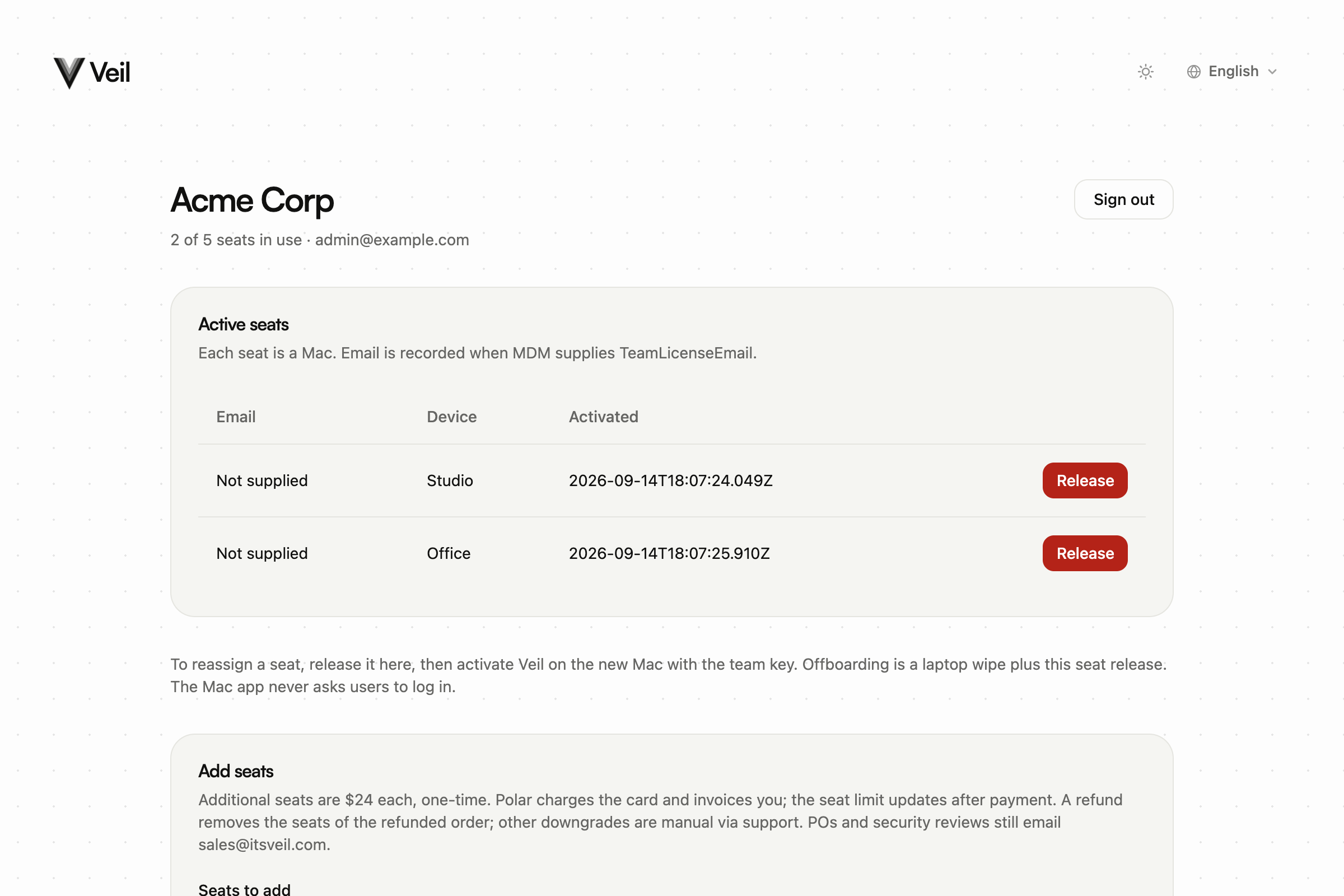
On Active seats, choose Release. There is no confirm step. That Mac drops out of the pool so another Mac can activate.
To reassign: release here, then activate Veil on the new Mac with the same VTL- key (or the MDM profile). To offboard: wipe the laptop and release the seat.
Add seats and invoices
Use Add seats and Seats to add. Extra seats cost $24 each, one-time. Polar charges the card. The limit updates after payment. Portal top-ups of 1–4 seats are allowed.
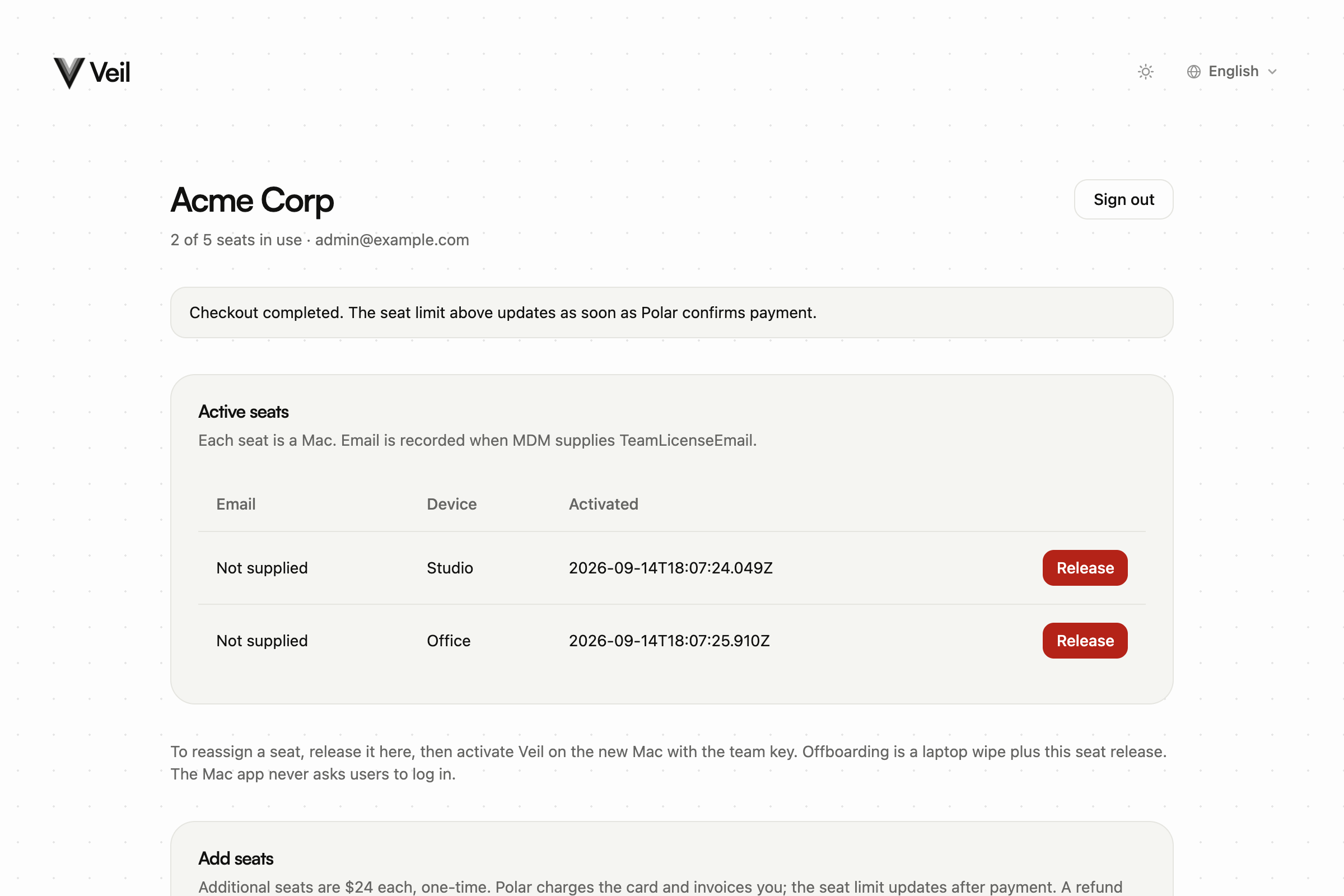
View invoices on Polar opens Polar’s invoice list. If invoices are not ready yet, the page explains that and points to sales@itsveil.com.
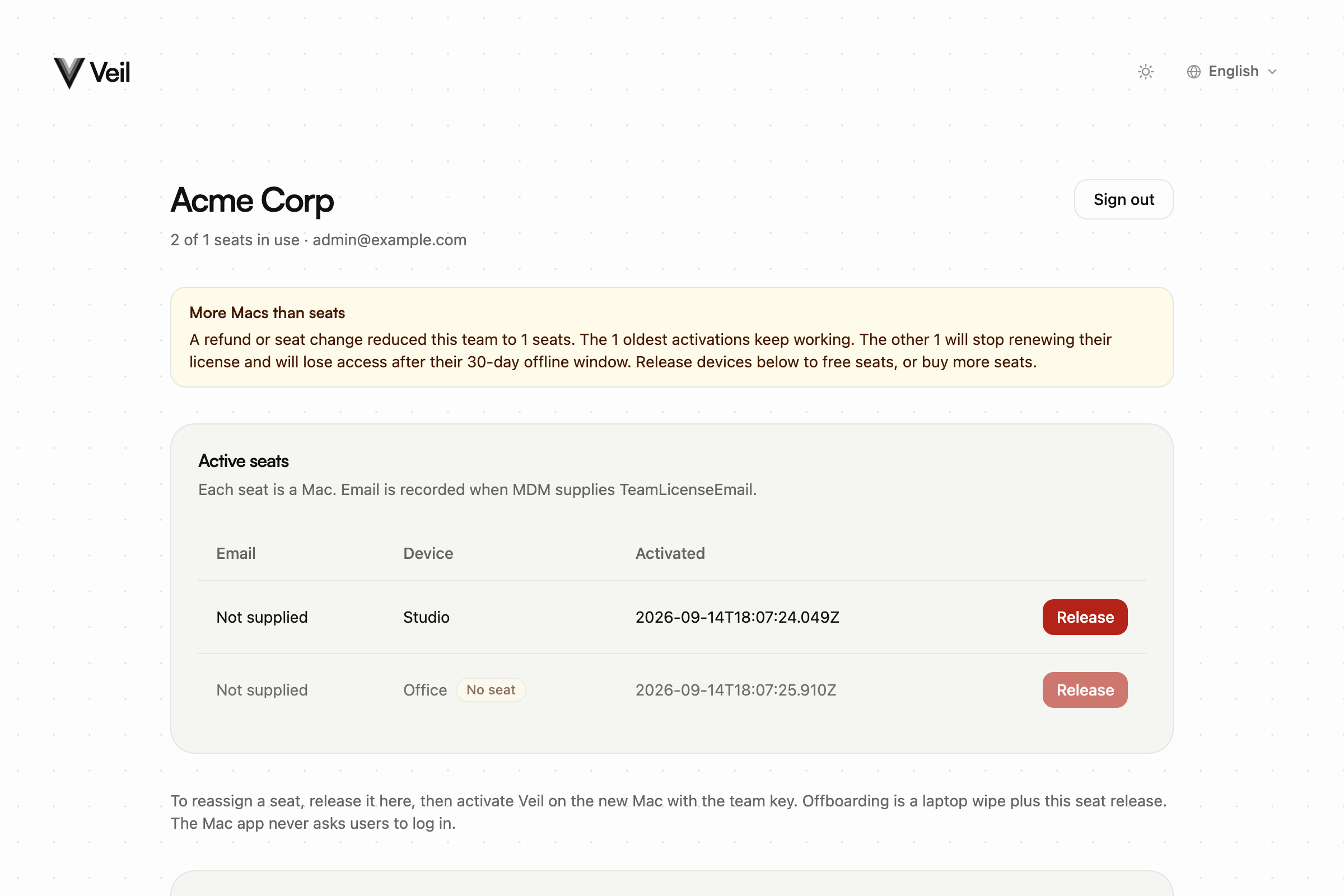
More Macs than seats
After a refund or seat change, the portal can show More Macs than seats. The oldest activations within the new limit keep working. Extra Macs stop renewing and lose access after their 30-day offline window. Release devices or add seats.