HelpCompany Mac
Managed Mac
MDM installs skip the tour and grey out managed Settings rows.
VPL- personal, two MacsVTL- team seats
IT can install Veil with a configuration profile. On those Macs the welcome tour does not run, you do not paste or buy a key, and some Settings rows are greyed out.
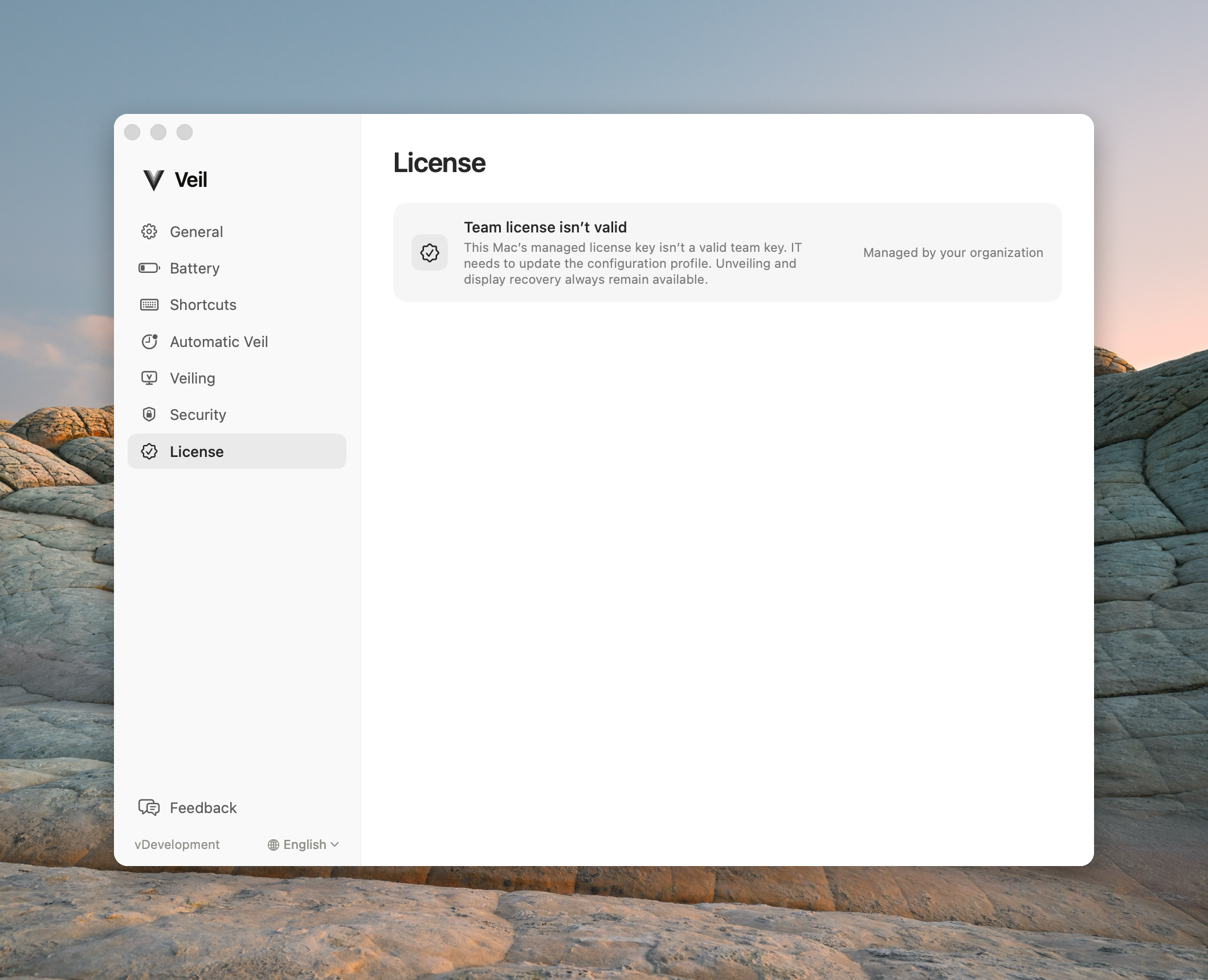
What “managed” means
A greyed row with Managed by your organization is set by IT. Toggling it in Settings does nothing while the profile is in place. Typical managed rows include Launch on login, Veil when I’m away, and Ask for Touch ID when I come back.
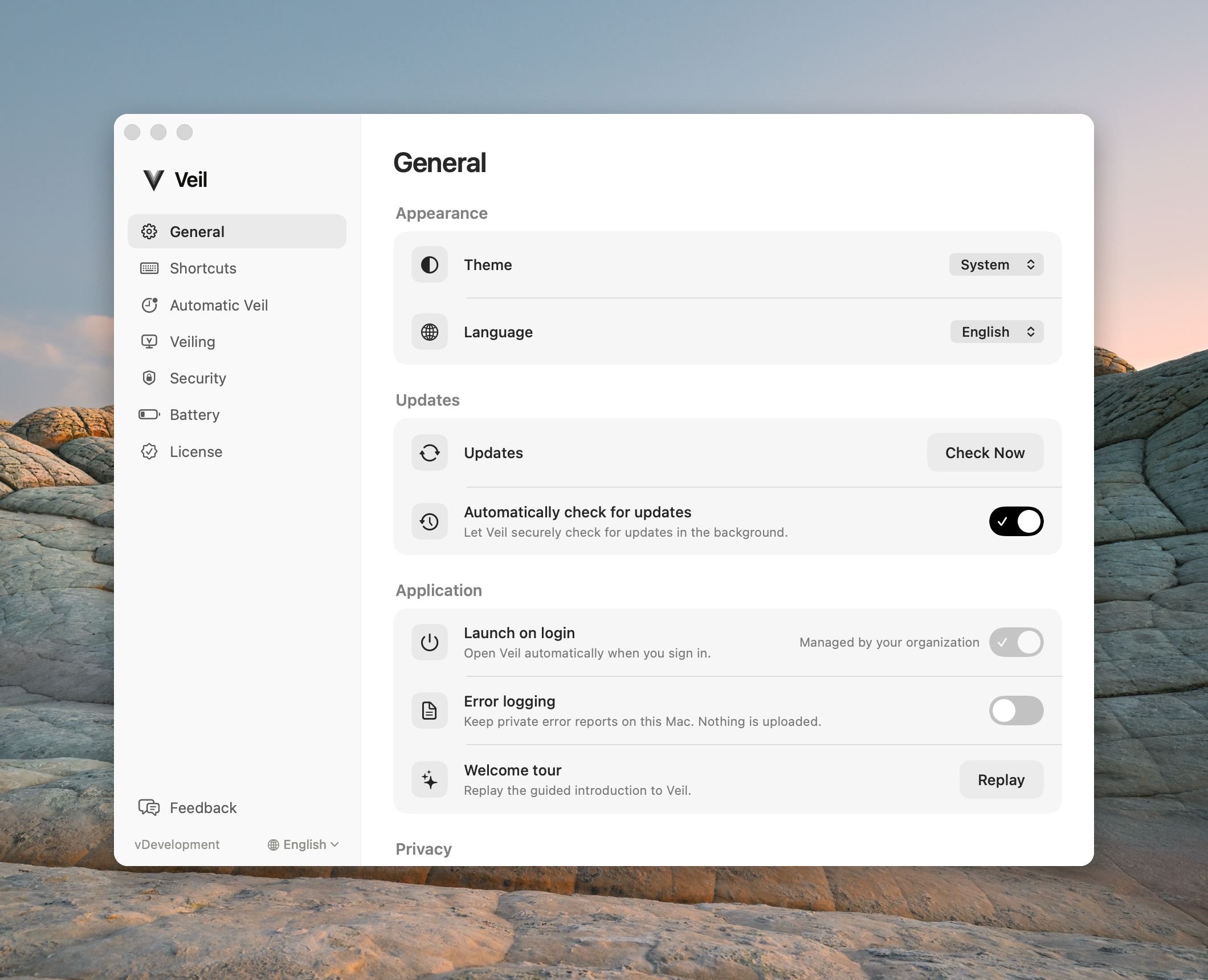
You cannot deactivate an MDM team key from this Mac. Seat changes happen in the admin portal, which employees do not use.
Waiting or invalid key
If the profile is present but this Mac is not licensed yet, Settings shows a team waiting or invalid-key state — not a personal trial. New veils stay refused until activation succeeds. Unveil and recovery still work.
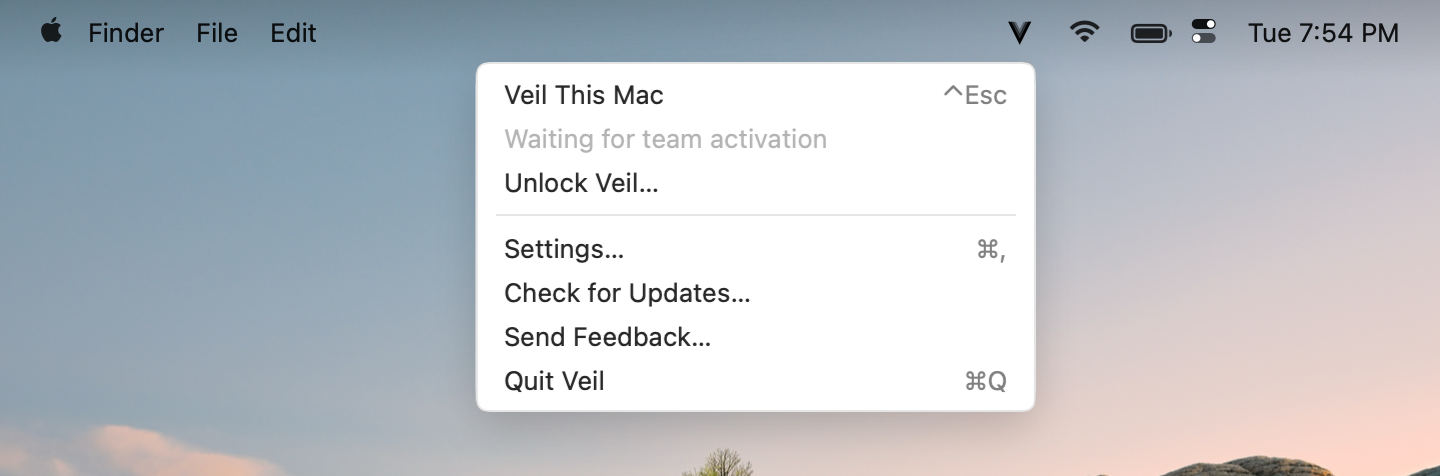
This is not a personal trial
A managed Mac is not on the 14-day personal trial and is not a VPL- two-Mac license. Do not buy Veil from the website for a company Mac.
To use Veil day to day, start at What Veil does. If a new veil will not start, see Waiting for a team key.