HelpCompany Mac
Waiting for a team key
New veils wait for team activation. Unveil and recovery still work.
VPL- personal, two MacsVTL- team seats
On a company Mac, a new veil starts only after the team key is active. Unveil and recovery still work while you wait. Do not paste a personal VPL- key to “fix” this.
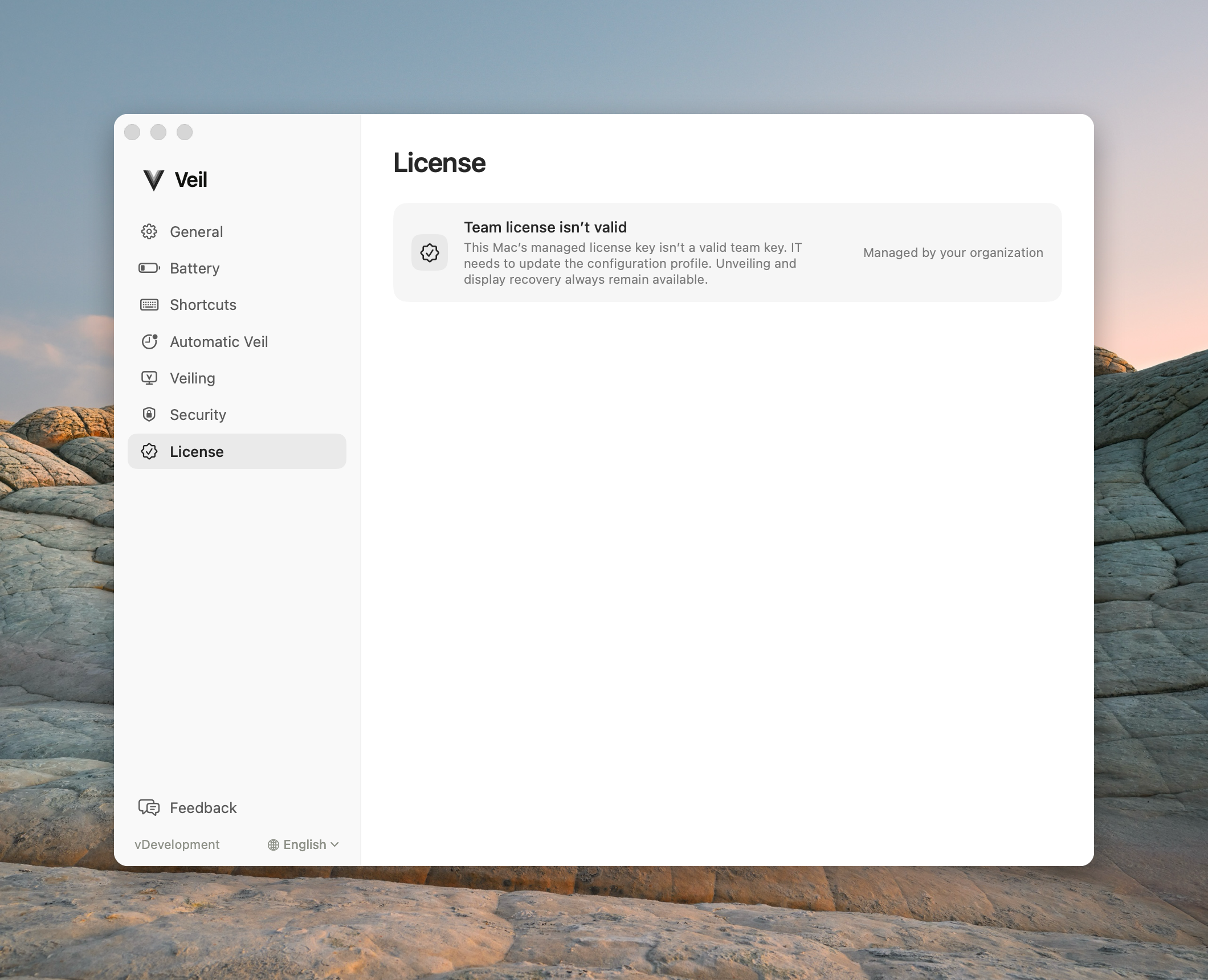
Settings › License still waiting for the team key, so new veils cannot start
Check these first
- Open Settings… → License. If you were given a VTL- key and the pane is not managed, paste that key. Never paste a VPL- personal key.
- If rows say Managed by your organization, you cannot paste or buy. Ask IT to confirm the profile’s team key. You do not log in at licenses.itsveil.com/seats.
- Confirm you can still unveil and recover. Licensing never blocks those paths.
Contact support
Email support@itsveil.com. Include the Veil version (About), macOS version, and whether displays are built-in, external, or both. Do not send a license key or any sign-in link.
Day-to-day use: What Veil does.