HelpPersonal license
Buy and activate
Buy a personal license and activate with a VPL- key.
VPL- personal, two MacsVTL- team seats
Buy a personal license on itsveil.com, finish Polar checkout, then activate this Mac from the success page or by pasting the emailed VPL- key.
Buy on itsveil.com
Open itsveil.com and choose Buy Veil. Polar hosts checkout. A personal purchase returns you to /success. A team Polar checkout never lands on that page.
Screenshot coming soon
itsveil.com home with Buy Veil
/help-screenshots/veil.web.home.hero.png
Activate in one click
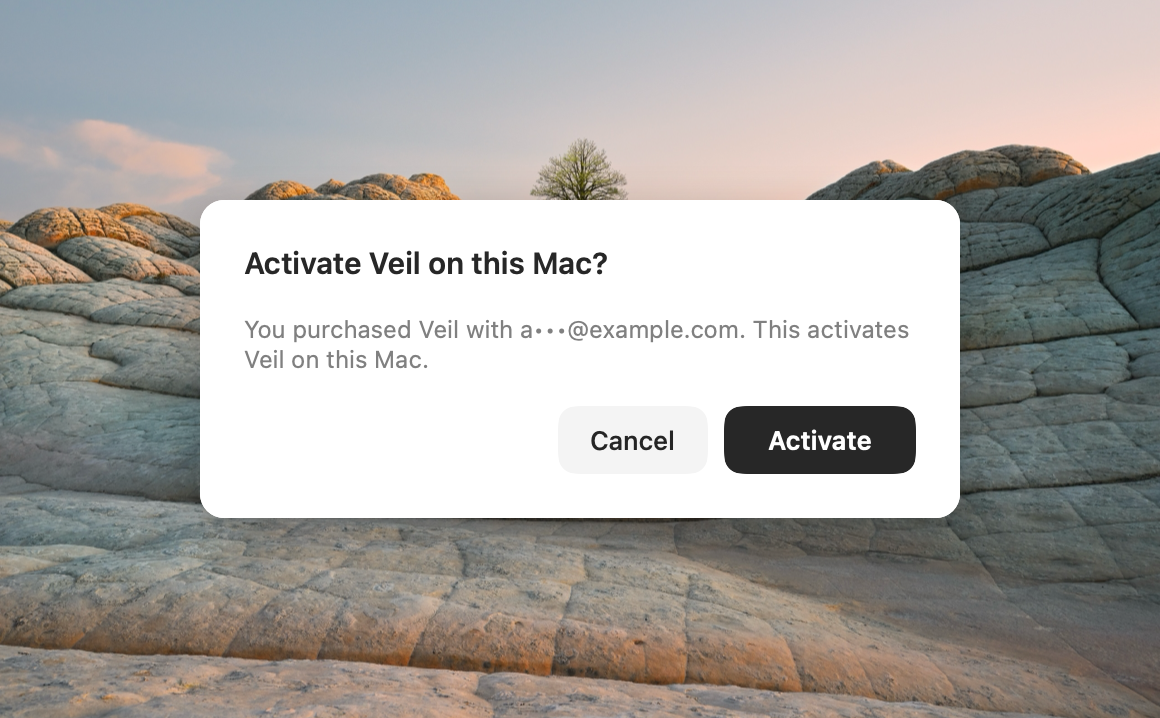
When checkout finishes, the success page claims your order and offers Activate Veil on this Mac. That opens veil://activate. The link works once and expires in 10 minutes. Veil asks you to confirm, then this Mac is licensed.
Screenshot coming soon
Purchase success page with Activate Veil on this Mac
/help-screenshots/veil.web.success.activation.png
Or paste the key from email
You also get a message titled Your Veil license key from licenses@mail.itsveil.com. If the one-click link expired, or Veil is not installed yet:
- Install Veil from Veil.dmg if it is not on this Mac yet.
- Open Settings › License.
- Paste the key from that email.
Screenshot coming soon
Success page fallback when the one-click activation link is not available
/help-screenshots/veil.web.success.fallback.png
Screenshot coming soon
Your Veil license key email with the key masked
/help-screenshots/veil.email.license.purchase.png
Licensing only controls whether a new veil can start. Ending a veil, Control+Escape, and display recovery always remain available.