HelpPersonal license
Install and trial
Download Veil.dmg and start the 14-day trial on a personal Mac.
VPL- personal, two MacsVTL- team seats
Veil is a Mac app. Install it from Veil.dmg. The update file is for in-app updates only — do not use it as an installer.
1. Download Veil.dmg
Get the installer from downloads.itsveil.com/releases/veil/stable/Veil.dmg. The same file is linked from the purchase success page after you buy.
2. Install and open Veil
Open the disk image. Drag Veil to Applications. Open Veil from Applications or Spotlight. The welcome tour starts on first launch.
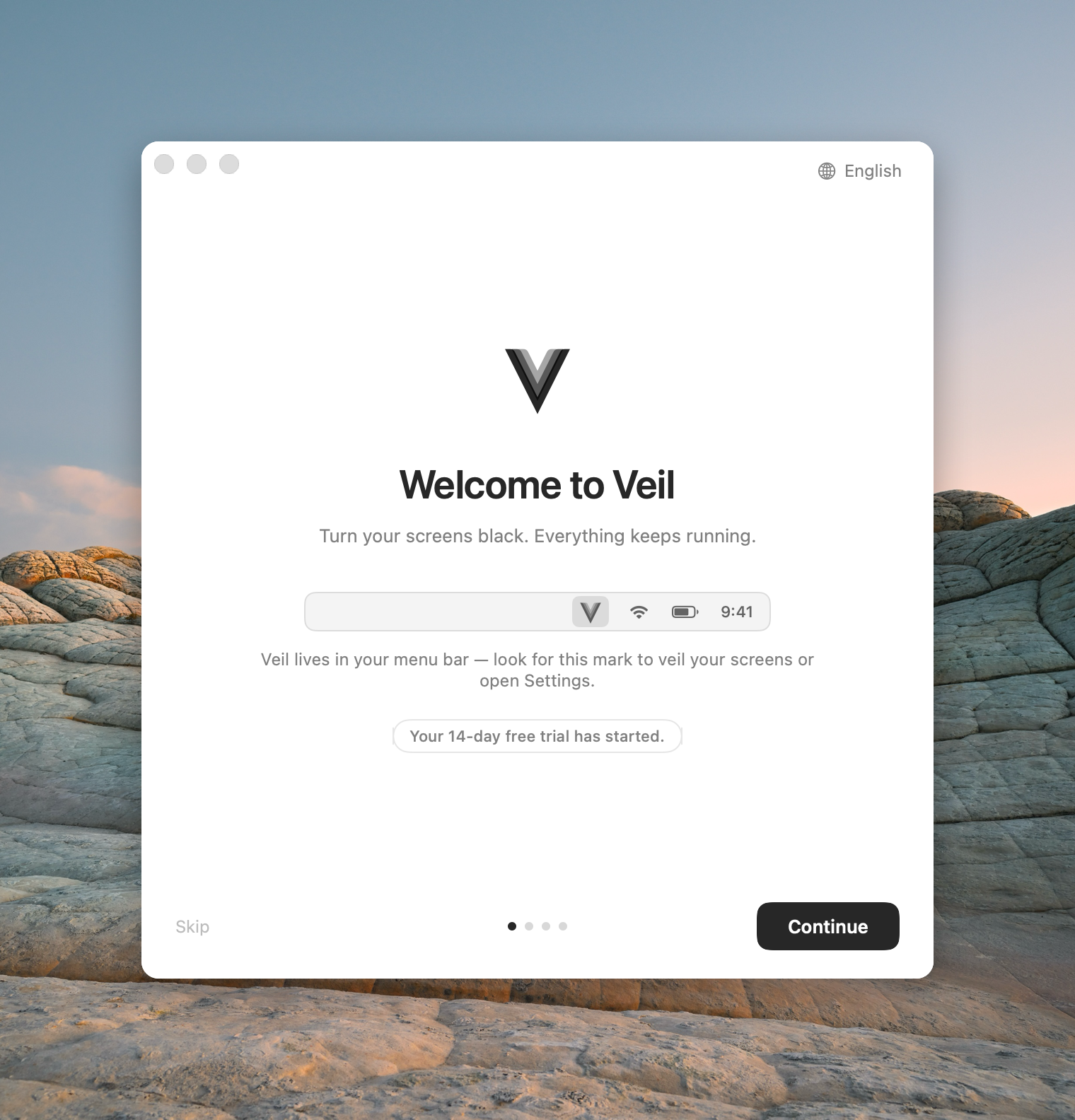
3. Use the 14-day trial
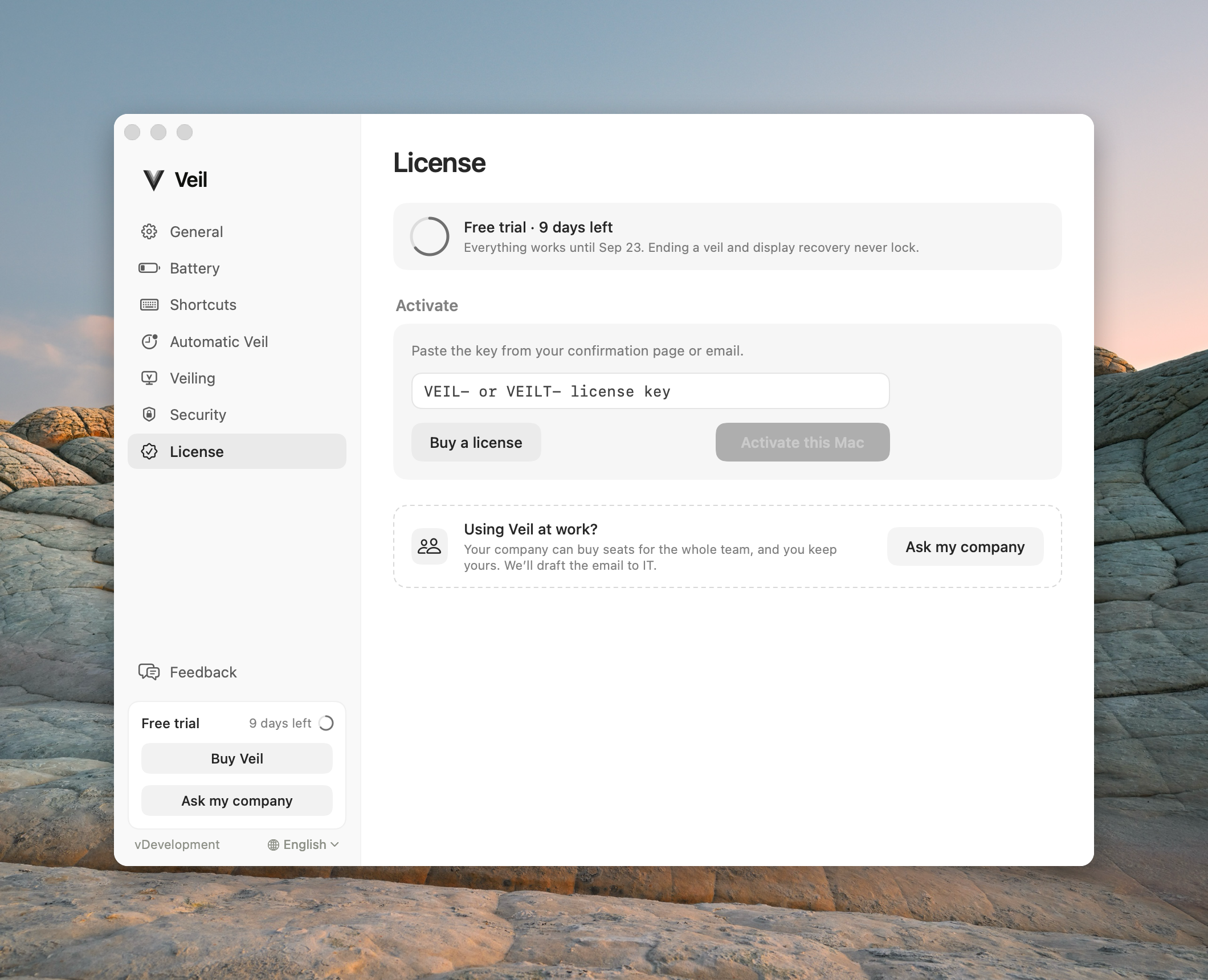
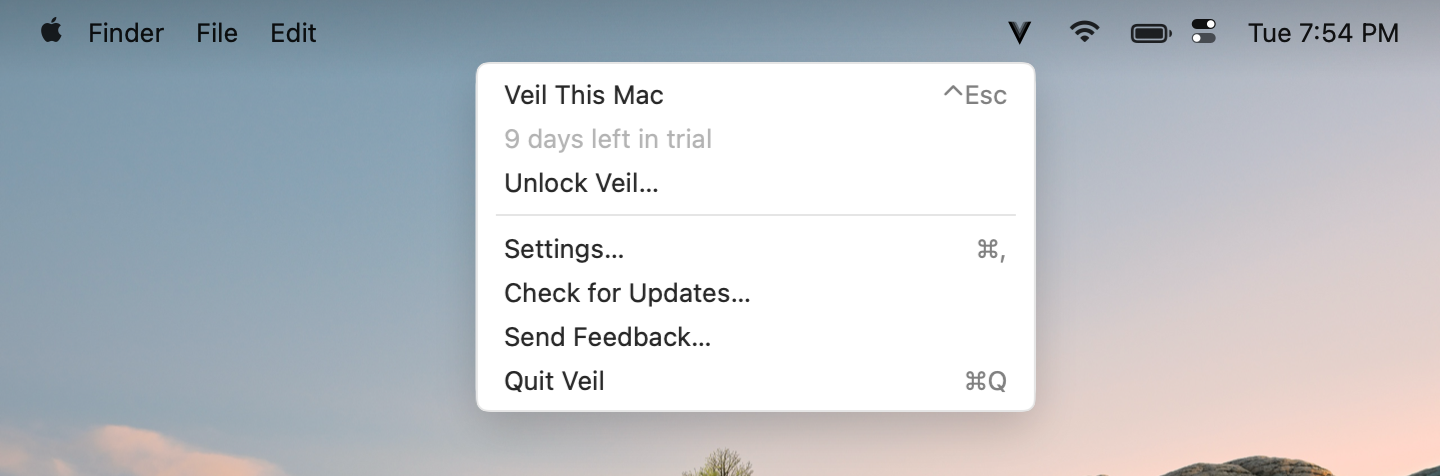
The trial starts the first time you launch Veil on this Mac. It is a full 14 days. Open Settings › License to see how much time remains. The menu bar also shows the trial while it is active.
Check your displays
Use the trial to confirm every display you care about. See Mac compatibility for which panels Veil can black.
Updates are not a second installer
After install, Veil updates itself in the app. That download is the update file, used only for updates. If you need to install again, go back to Veil.dmg.