HelpTroubleshoot
Veil won’t start
The shortcut or Automatic Veil did nothing.
The shortcut or Automatic Veil did nothing — no cover, no black screens. Work these checks in order.
1. Confirm Veil is running
Look for the menu bar mark. If it is missing, open Veil from Applications. A company Mac may be waiting for team activation — you cannot start a new veil until the seat is active. Unveil and recovery still work.
2. Read the menu status
Click the mark. A refused start names the display and why Veil cannot cover it. Pending or absent displays show in the menu instead of Veil This Mac.
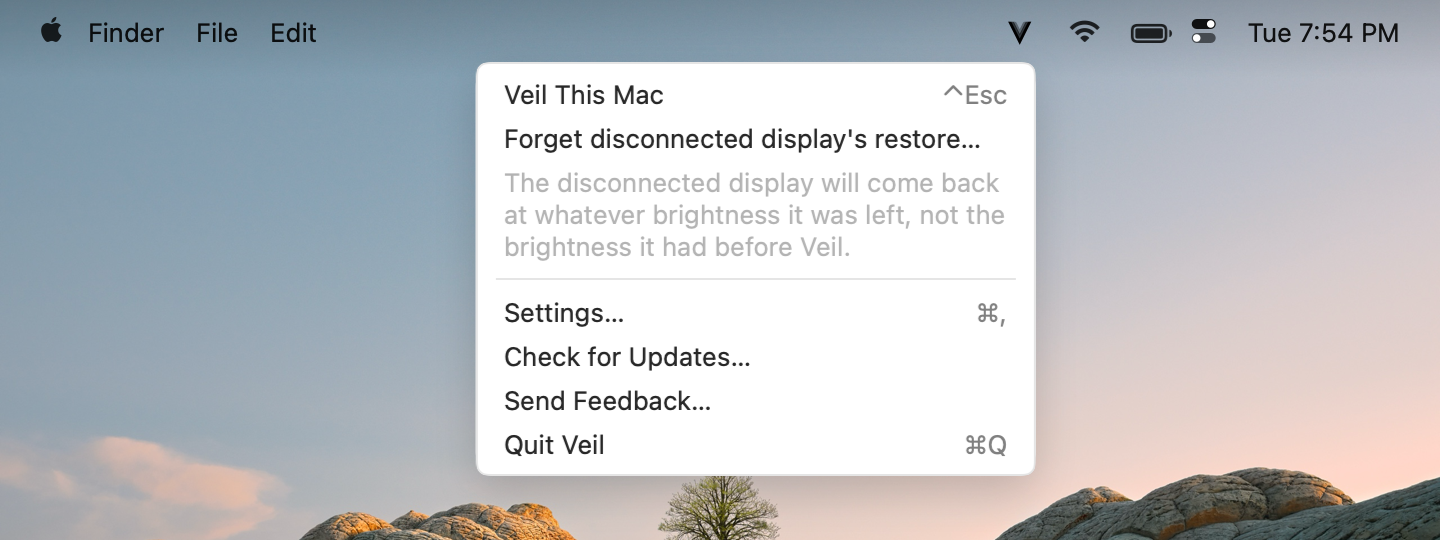
3. Disconnect unsafe panels
DisplayLink, AirPlay, Sidecar, or a remote display refuses the whole session. Unplug or stop mirroring, then try again. See Displays.
4. Quit display utilities
MonitorControl or f.lux can block a safe start. Quit them or disable the setting that dims the display. See MonitorControl and f.lux.
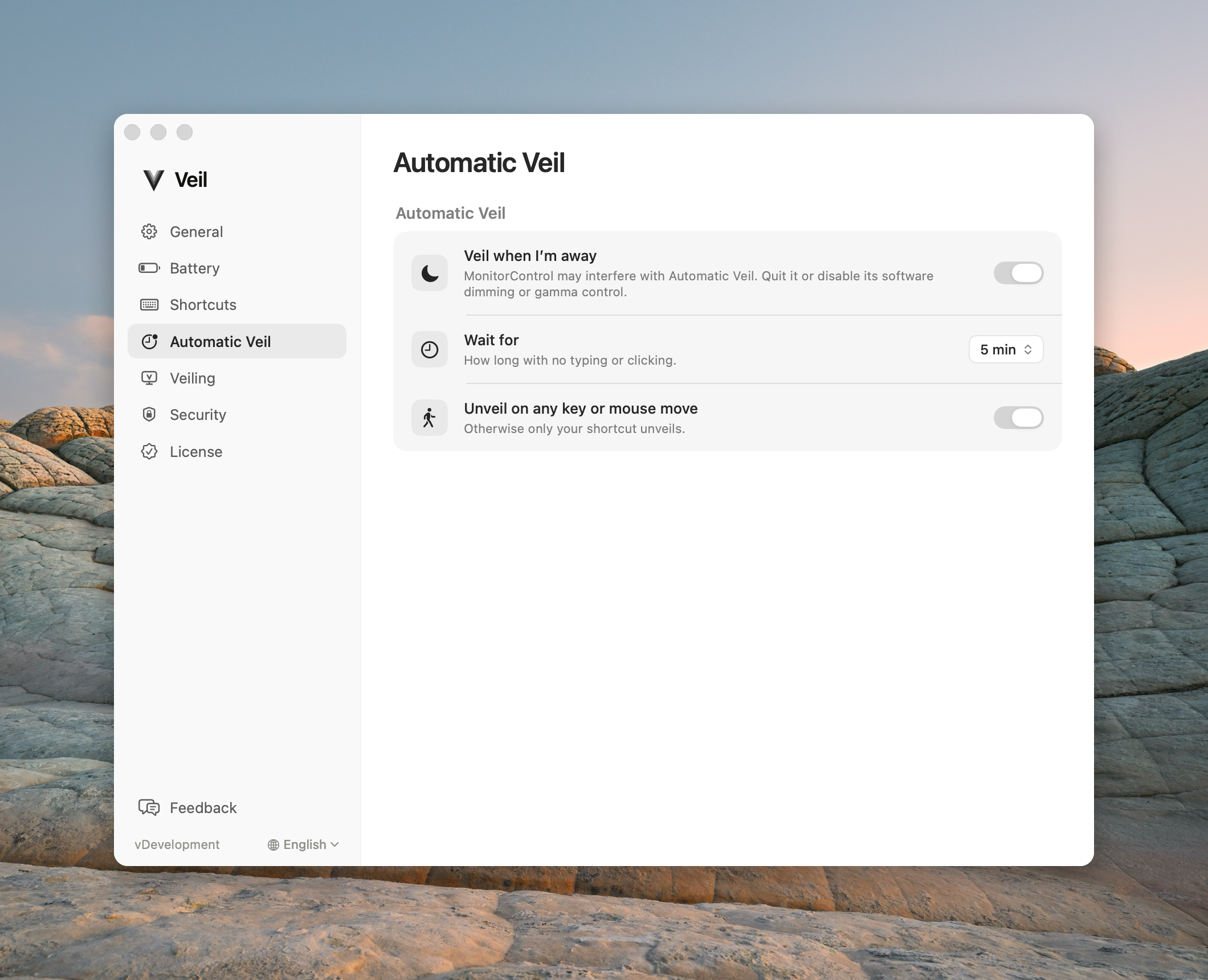
5. Check the trial or license
An ended trial or missing key refuses a new veil only. If screens are already covered, unveil still works. See Trial ended.
Contact support
Email support@itsveil.com. Include the Veil version, macOS version, and display setup. Do not send license keys or magic-link URLs.