HelpSettings
Battery
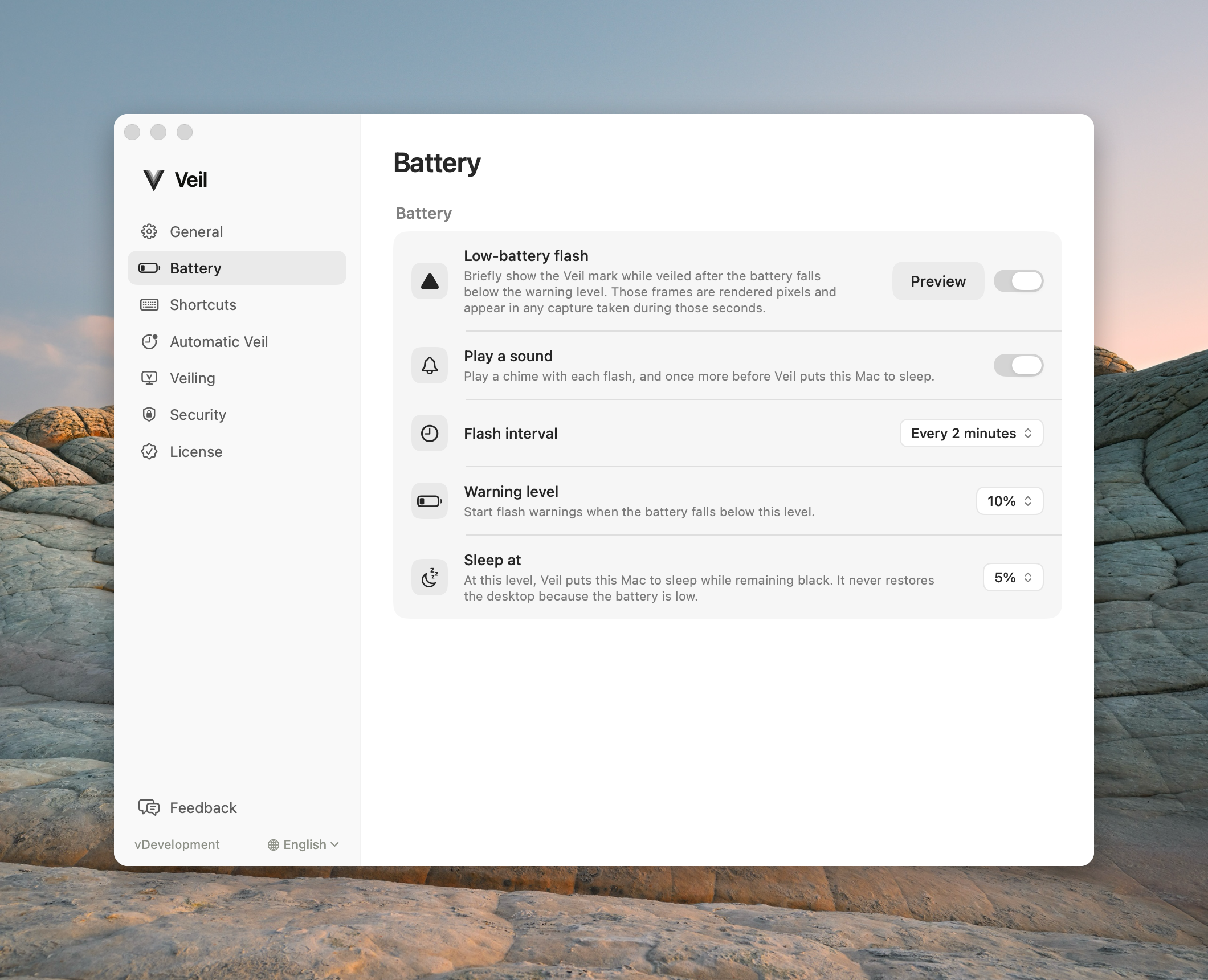
Low-battery flash, sound, interval, warning level, and Sleep at.
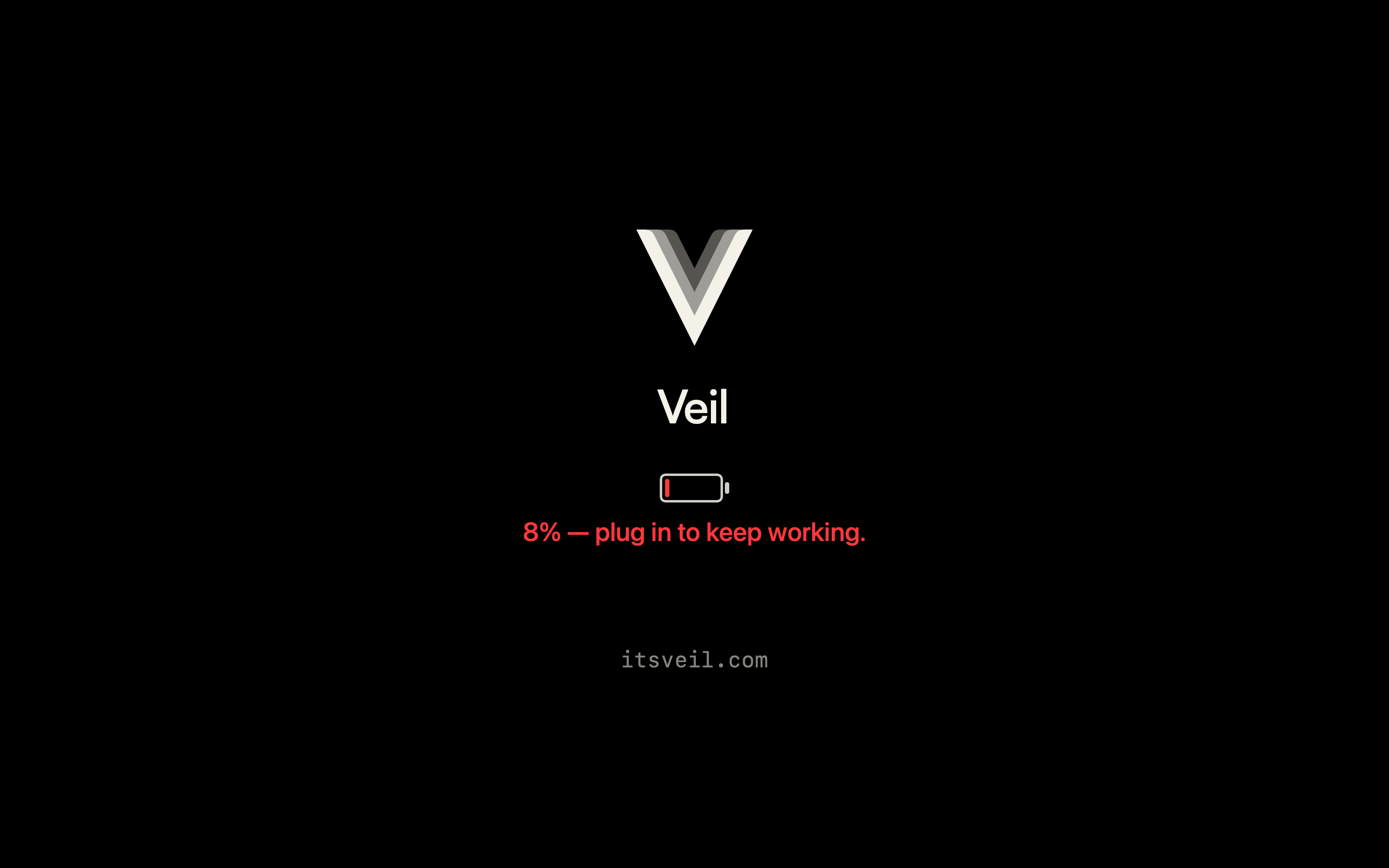
Battery is only on Macs with a built-in battery. On a desktop the pane is omitted from the sidebar. Low battery never unveils. The flash can appear in a recording. The black screens do not.
| Control | Default | Hidden or disabled |
|---|---|---|
| Low-battery flash | On | The whole pane is hidden on desktops. Preview is disabled while Veil is busy or already veiled. |
| Play a sound | On | The row stays visible and is dimmed when Low-battery flash is off. |
| Flash interval | Every 2 minutes | Still visible when Low-battery flash is off. |
| Warning level | 10% | Never hidden. |
| Sleep at | 5% | Never hidden. |
Low-battery flash
While veiled on battery, flash the Veil mark when the charge is at or under Warning level and still above Sleep at. Preview shows the overlay only — not a real veil — and closes after about five seconds or on any key or click.
Play a sound
Chimes with each flash, and once more before Veil-initiated sleep.
Flash interval
Period between flashes: Every 1 minute, Every 2 minutes, or Every 5 minutes.
Warning level
Start flashing below this level, and above Sleep at. Choices are 15%, 10%, and 5%. If warning and sleep are the same value, sleep wins — there is no flash at that level.
Sleep at
Sleep the Mac while remaining black. Wake from that sleep is not an unveil. Choices are 15%, 10%, and 5%.
Common questions
Will low battery restore my desktop? Never. See also Battery in Using Veil.