HelpSettings
Automatic Veil
Veil when I’m away, Wait for, and Unveil on any key or mouse move.
Automatic Veil starts after idle time. It does not lock macOS when Wait for expires. Authentication, if any, is decided later on unveil — that clock lives on Security as Ask for Touch ID when I come back, and it covers every veil, not only Automatic Veil. These are two timers. See Idle delay and Touch ID.
| Control | Default | Hidden or disabled |
|---|---|---|
| Veil when I’m away | Off | MDM can force this on or off. The row then shows Managed by your organization. |
| Wait for | 5 minutes | The entire row is hidden when Veil when I’m away is off. MDM may force 30 seconds, 1, 5, 10, 15, or 30 minutes only. |
| Unveil on any key or mouse move | On | Hidden when Veil when I’m away is off. Never MDM-managed. |
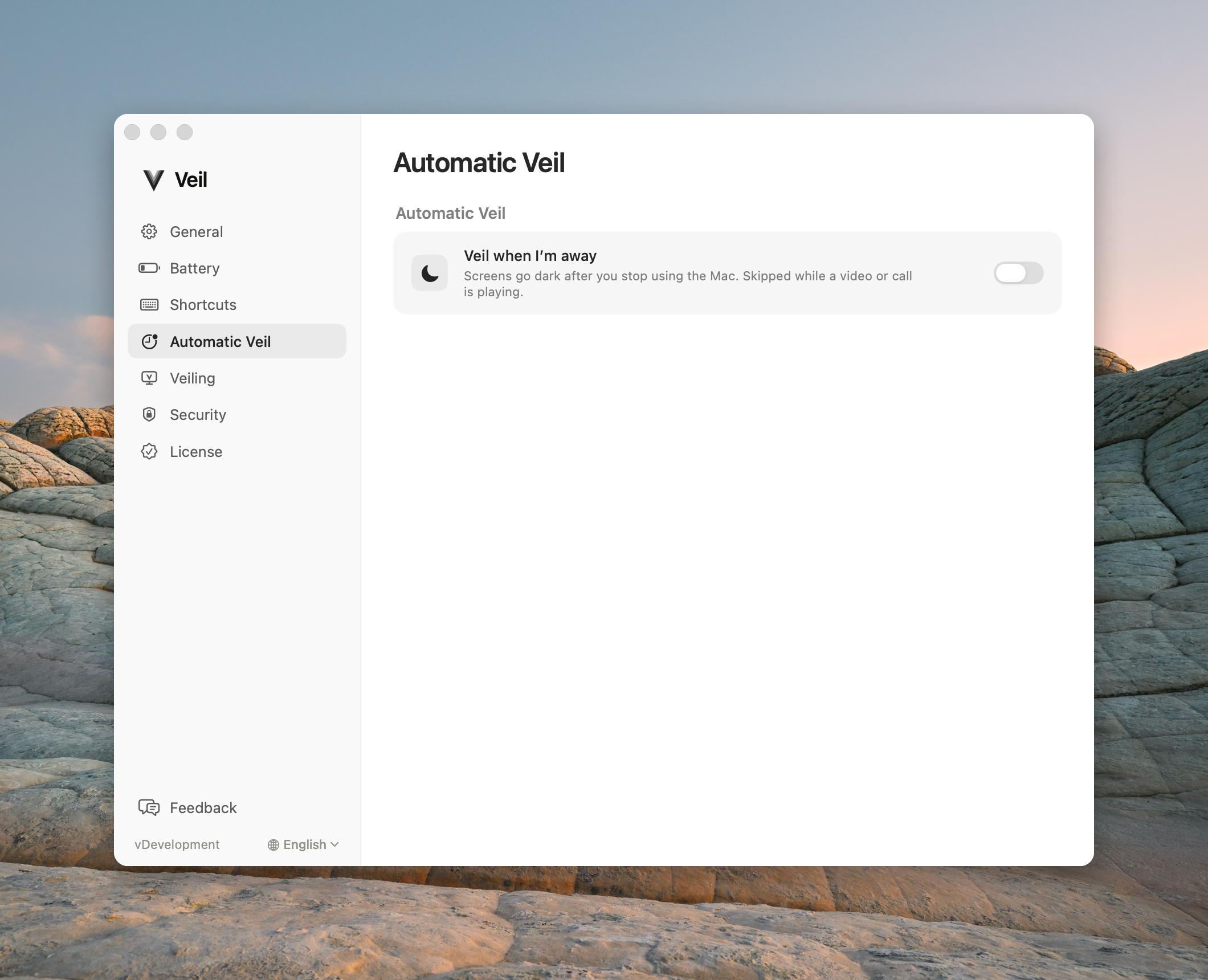
Veil when I’m away
After the idle delay, Veil starts. It is skipped while a video, call, presentation, or screen share keeps a display awake. Timer expiry alone never locks macOS and never restores the displays.
If MonitorControl or f.lux is running, their warning replaces the usual detail copy on this row.
Wait for
Inactivity before Automatic Veil starts. This is not authentication. It is not Ask for Touch ID when I come back. Choices: 30 seconds, 1 minute, 5 minutes, 10 minutes, 15 minutes, 30 minutes.
Unveil on any key or mouse move
After Automatic Veil has started, a key or mouse move can begin an unveil. That is convenience, not identity — remote or virtual input can fire it. It never bypasses Ask for Touch ID when I come back on Security. Turning this on mid-session resets the return-input baseline; it does not move the moment the Touch ID time starts.
There is no catalog screenshot of this switch off yet. When Veil when I’m away is on, the shipping default is still On. Turn it off if you want only the shortcut to unveil.
Common questions
Does “Wait for 5 minutes” lock the Mac after 5 minutes? No. It only starts Automatic Veil. Ask for Touch ID when I come back is checked only when someone later tries to unveil.