HelpUsing Veil
Idle delay and Touch ID
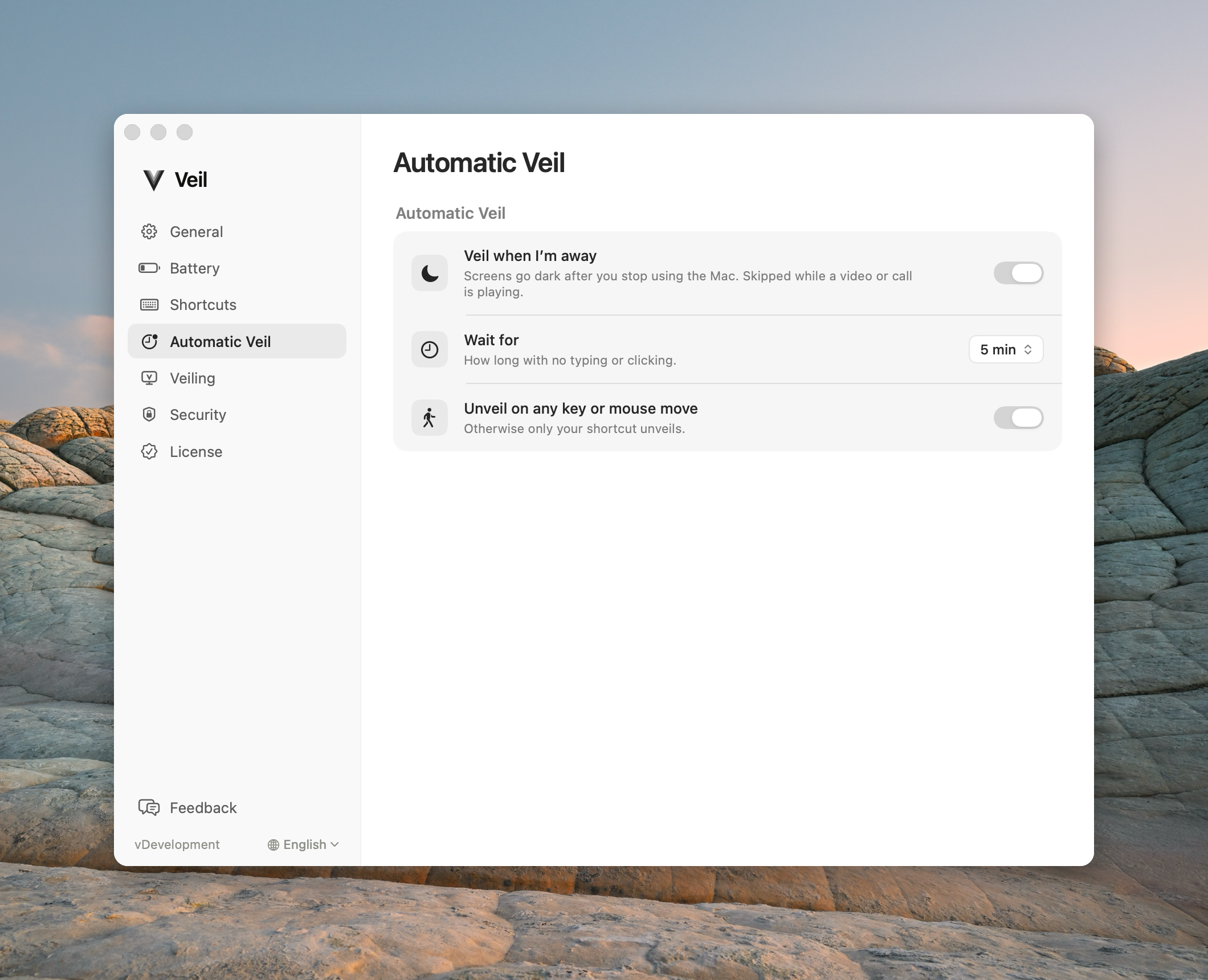
Idle delay starts Automatic Veil. Touch ID is decided only when someone tries to unveil.
Veil has two clocks. People mix them up. They start at different times, and only one of them can ask for Touch ID — and only when someone later tries to unveil.
| Timer | Where | What it does |
|---|---|---|
| Idle delay | Automatic Veil → Wait for | Runs before Automatic Veil starts. When it expires, Automatic Veil starts. Nothing else happens. |
| Touch ID time | Security → Ask for Touch ID when I come back | Runs from the moment the screens first go dark, for every veil. Expiry does nothing visible. Veil decides only when someone later unveils. |
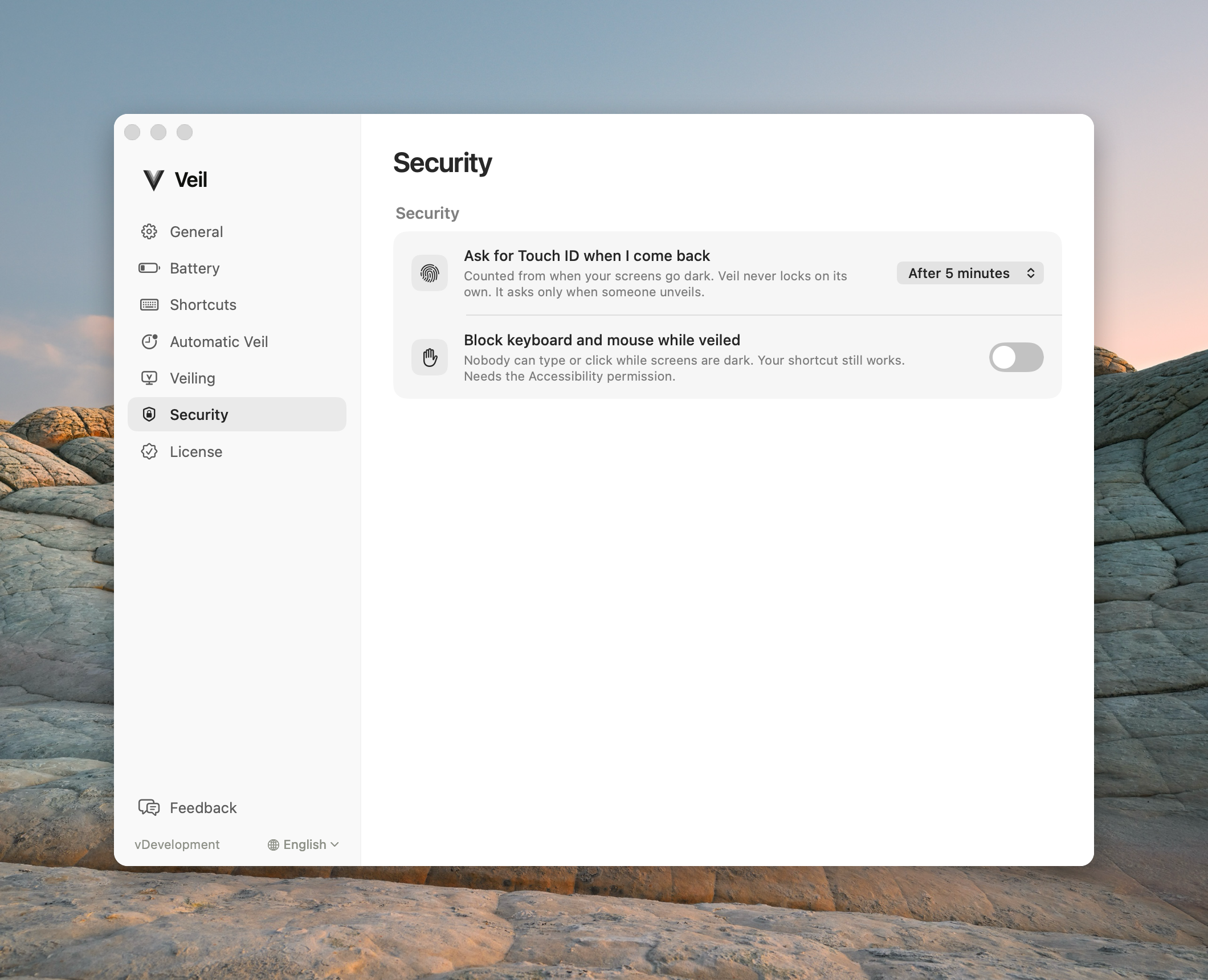
Ask for Touch ID when I come back
| Label | On unveil |
|---|---|
| Never | Restores the screens. Never asks. |
| Immediately | Always asks. |
| After 1 minute, After 5 minutes, or After 15 minutes | Restores the screens if you come back inside that time. Asks for Touch ID after it. |
The setting applies to every veil, manual and automatic alike. The time starts the moment the screens first go dark: the branded cover if Branded transitions are on, otherwise the moment the screens go black. A preference change during the veil does not move that start.
When Veil asks, it keeps the screens black, asks macOS to lock, and restores onto the macOS Lock Screen. Touch ID or your password unlocks it there.
Keep brand visible counts from the cover
Keep brand visible holds the branded cover after the animation, then the displays go black. Shipping choices are As soon as animation ends, 2 seconds, 3 seconds, 5 seconds (default), 15 seconds, and 30 seconds.
That hold counts toward the Touch ID time from the first cover, not from when the screens go black. With After 15 minutes, a 30-second hold does not add 30 seconds after the screens go black. Unveil 15 minutes after the cover first appeared still asks for Touch ID.
Leaving the Mac veiled for an hour does not lock macOS by itself. Veil never locks on its own when the time passes. It checks only when someone tries to unveil, so agents keep working.