HelpSettings
License
Trial, personal VPL- keys, team VTL- seats, and managed Macs.
The pane title in the app is License. Licensing never gates unveil, restore, or recovery. It only gates starting a new veil.
Trial
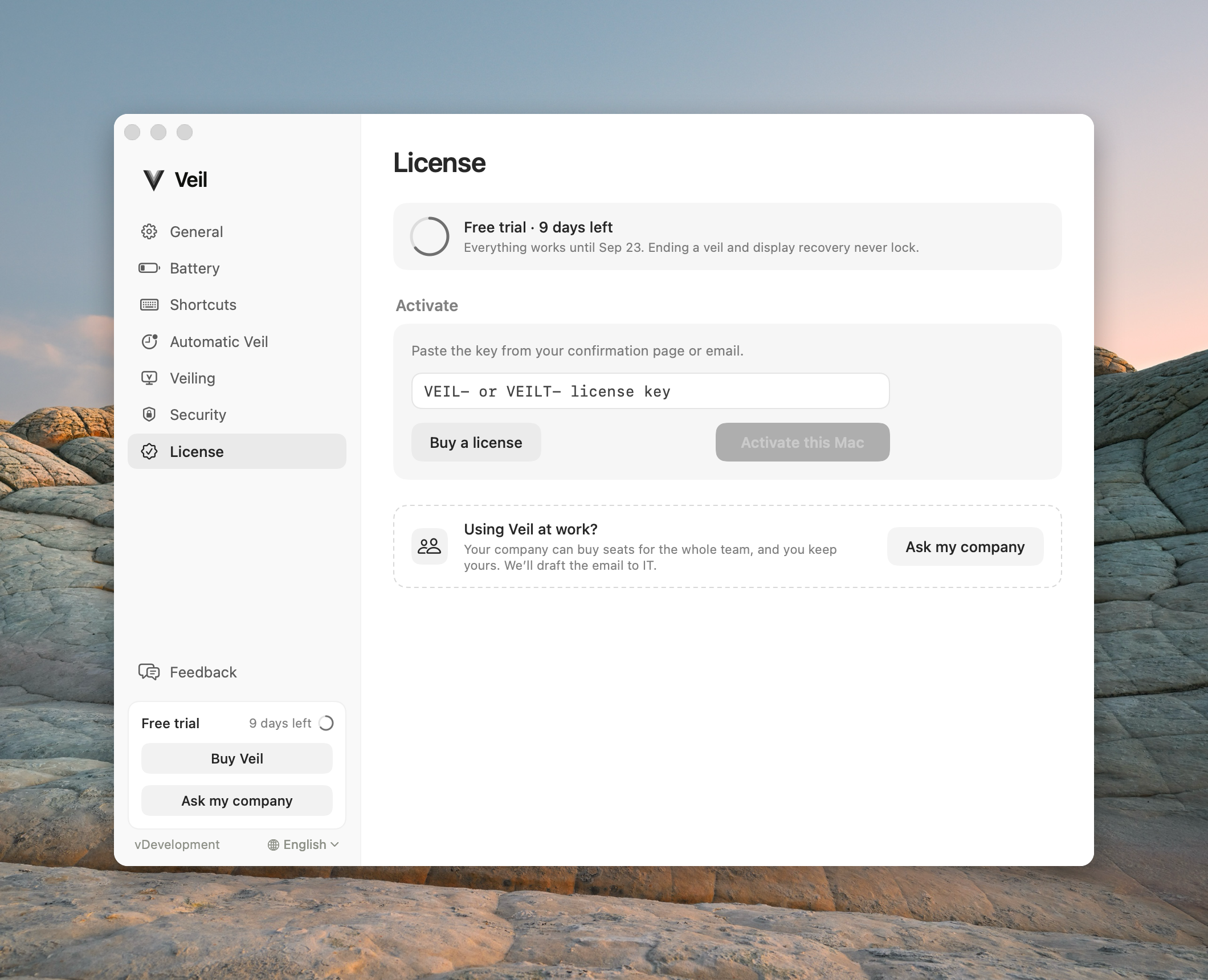
A new personal install starts a 14-day trial. The ring shows days left. Everything still works until that date.
Trial ended
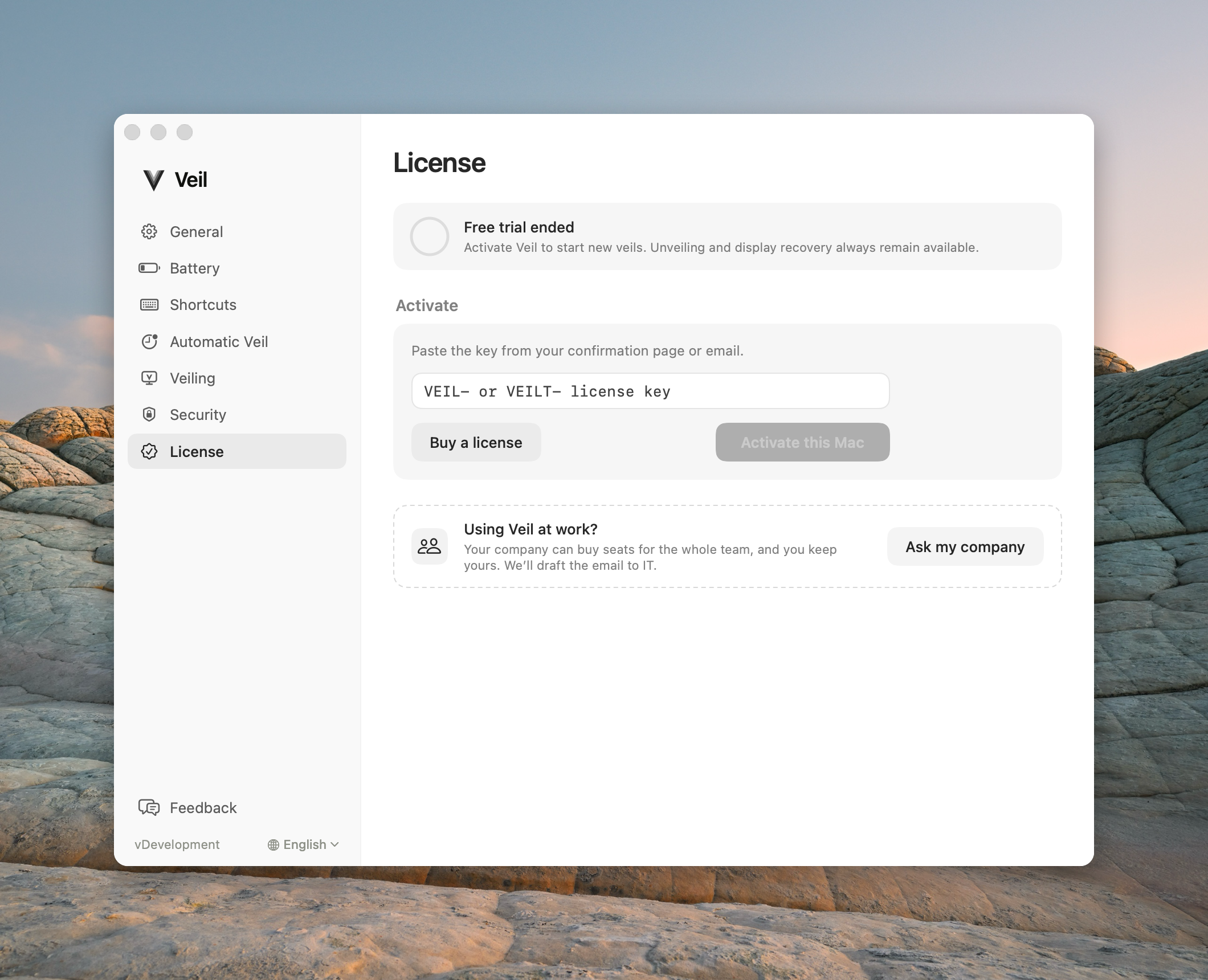
The ring is at zero. New veils cannot start. Unveil and recovery still work.
Not activated
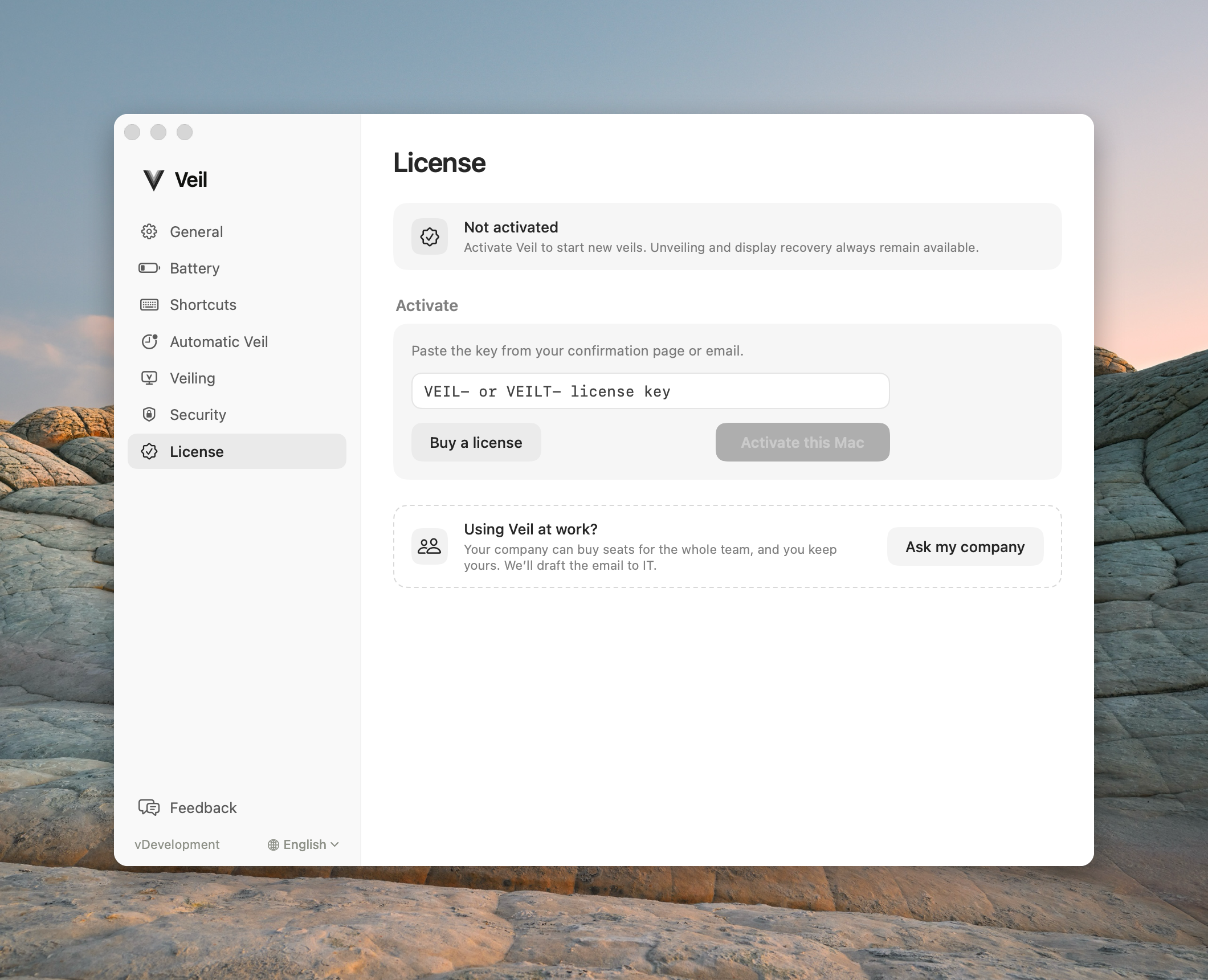
No key on this Mac — after you remove a license, or if a trial never started. Paste a key or buy.
Personal key
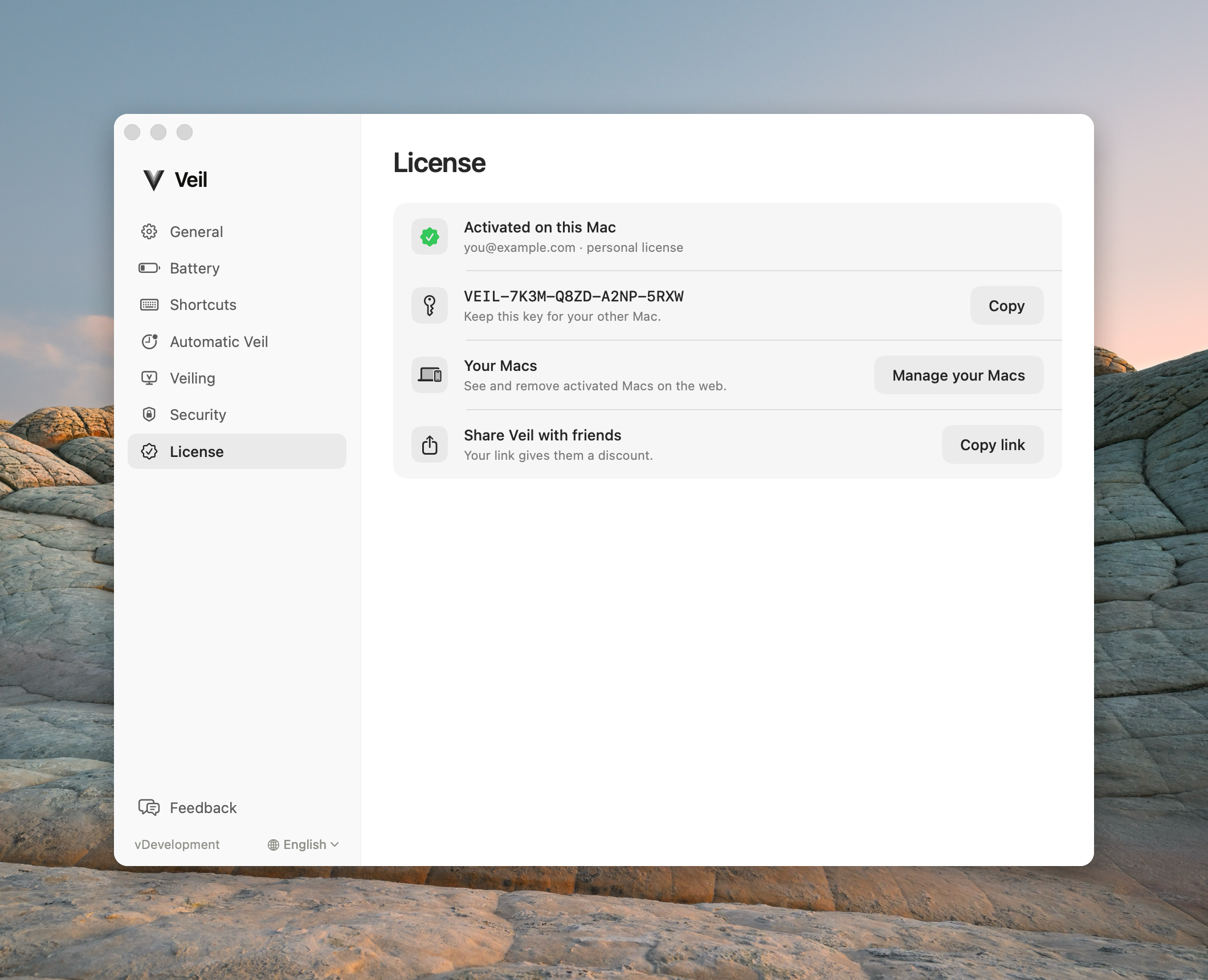
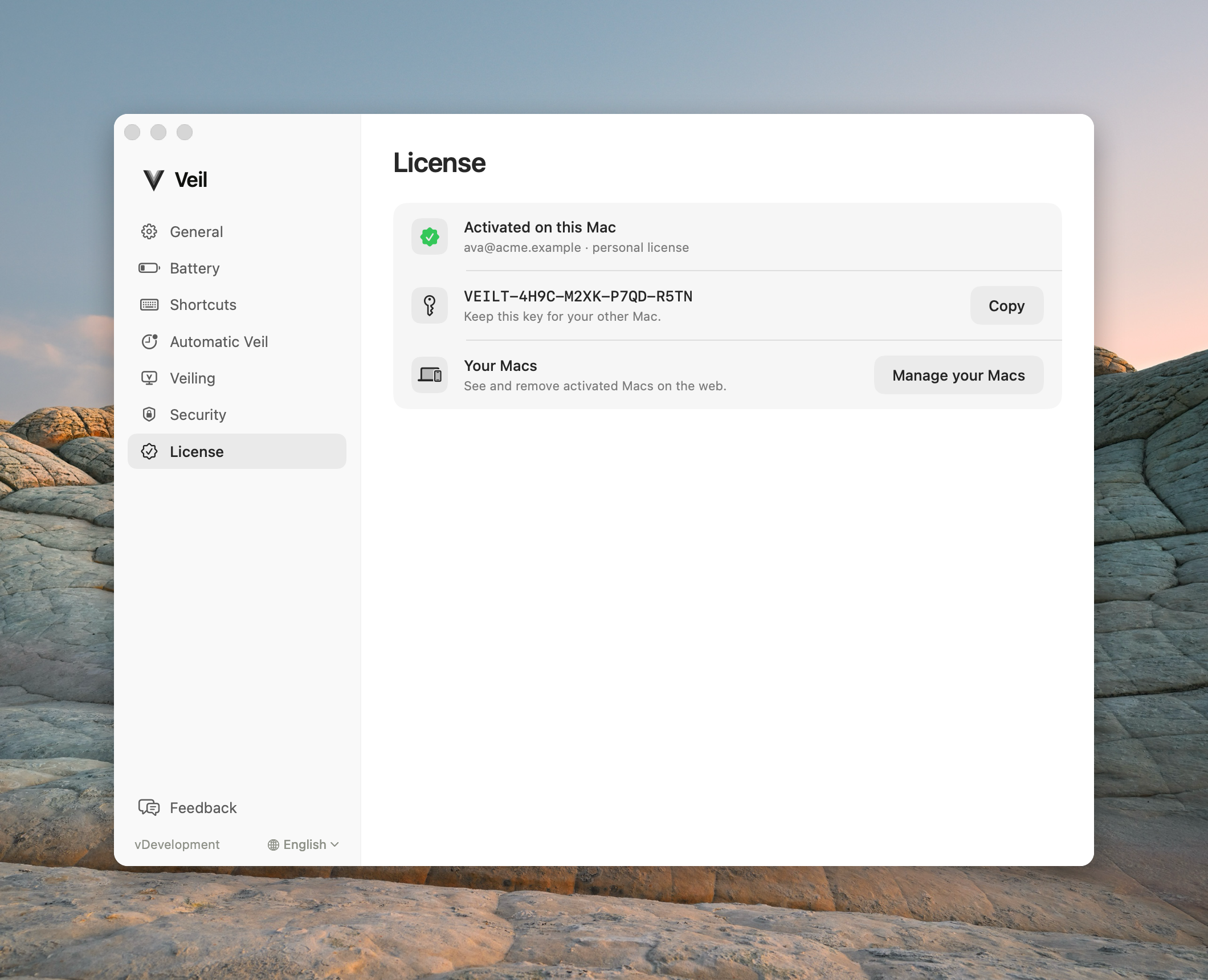
A VPL- key is active. You get two Macs, Your Macs, and a share row (friend discount, no cash).
Team key
A pasted VTL- key. There is no share row. Manage opens the admin seats portal — not an employee login.
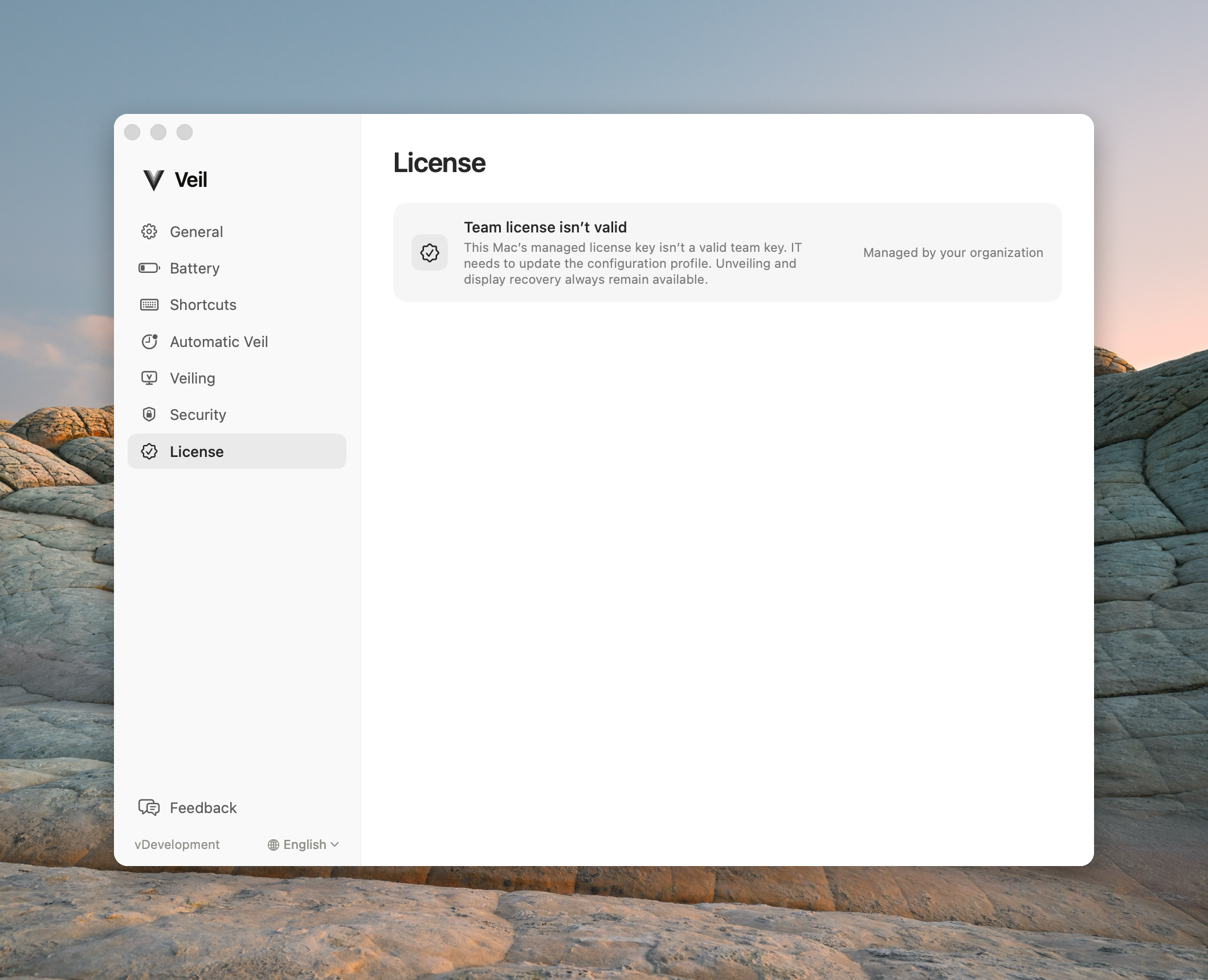
Managed by your organization
IT installed the key with a profile. You cannot paste, buy, or deactivate on this Mac. If the profile is present but the key has not activated yet, this pane waits — there is no Activate card.
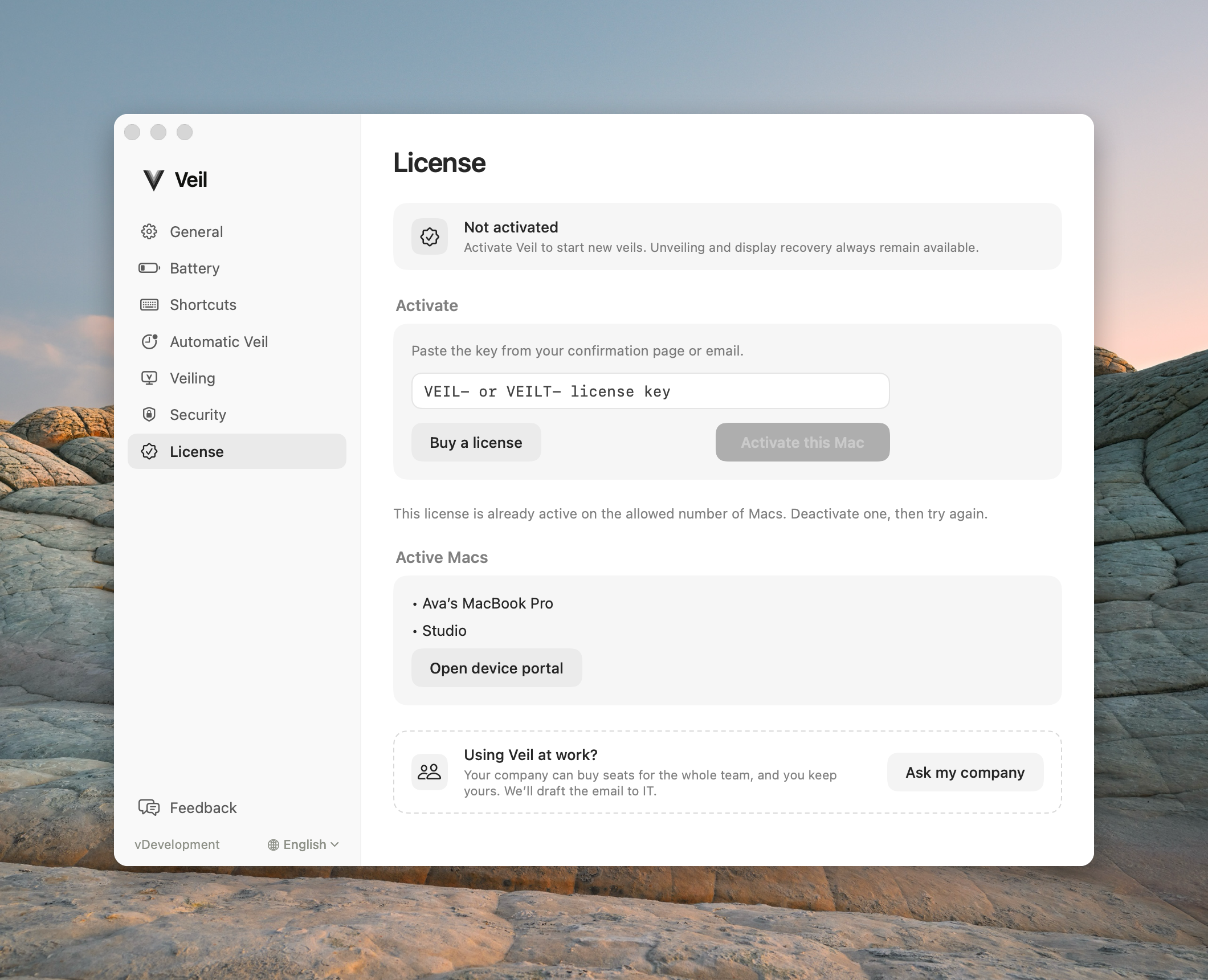
Both Macs already used
A personal key already has two Macs. Open the device portal to free one, then try again.
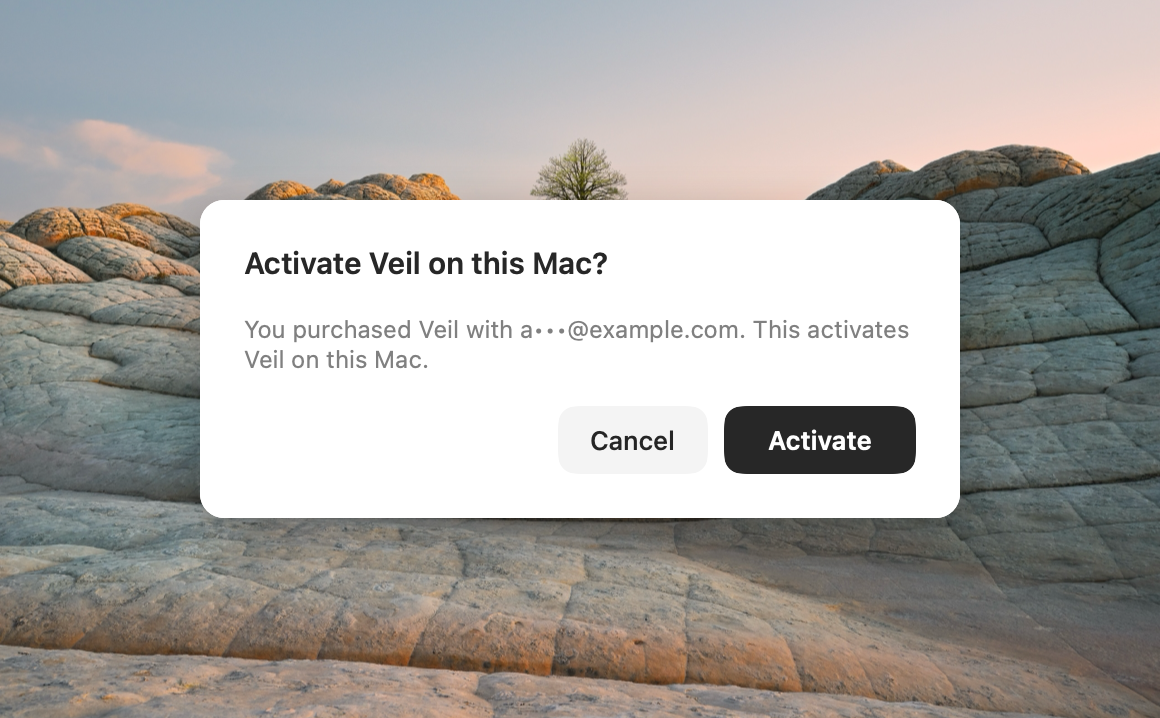
Activate from a link
After a personal purchase, the success page can open this confirmation sheet.
Activate
Paste the key from the confirmation page or email. Buy opens Polar checkout for a personal license. Team Polar never lands on the personal success page.
Errors
| Error | What to do |
|---|---|
| Unrecognized key | Check the prefix and try again. |
| Claim already used or expired | Buy again or paste the emailed key. |
| Rate limit | Wait and retry. |
| Network | Unveil still works; new veils wait until you are online. |
| Refunded on activate | The key will not start new veils. See Refunds. |
Never send a license key or a magic-link URL to support. Related: Buy and activate, Activate a team key, License will not activate.