HelpTroubleshoot
MonitorControl and f.lux
Display utilities can block a safe veil.
MonitorControl, f.lux, and similar utilities change how displays look. That can block a safe veil or undo the black screens.
1. Read the Automatic Veil warning
If one of those apps is running, Settings › Automatic Veil replaces the usual detail with a warning: quit the utility or disable the setting that dims or recolors the display.
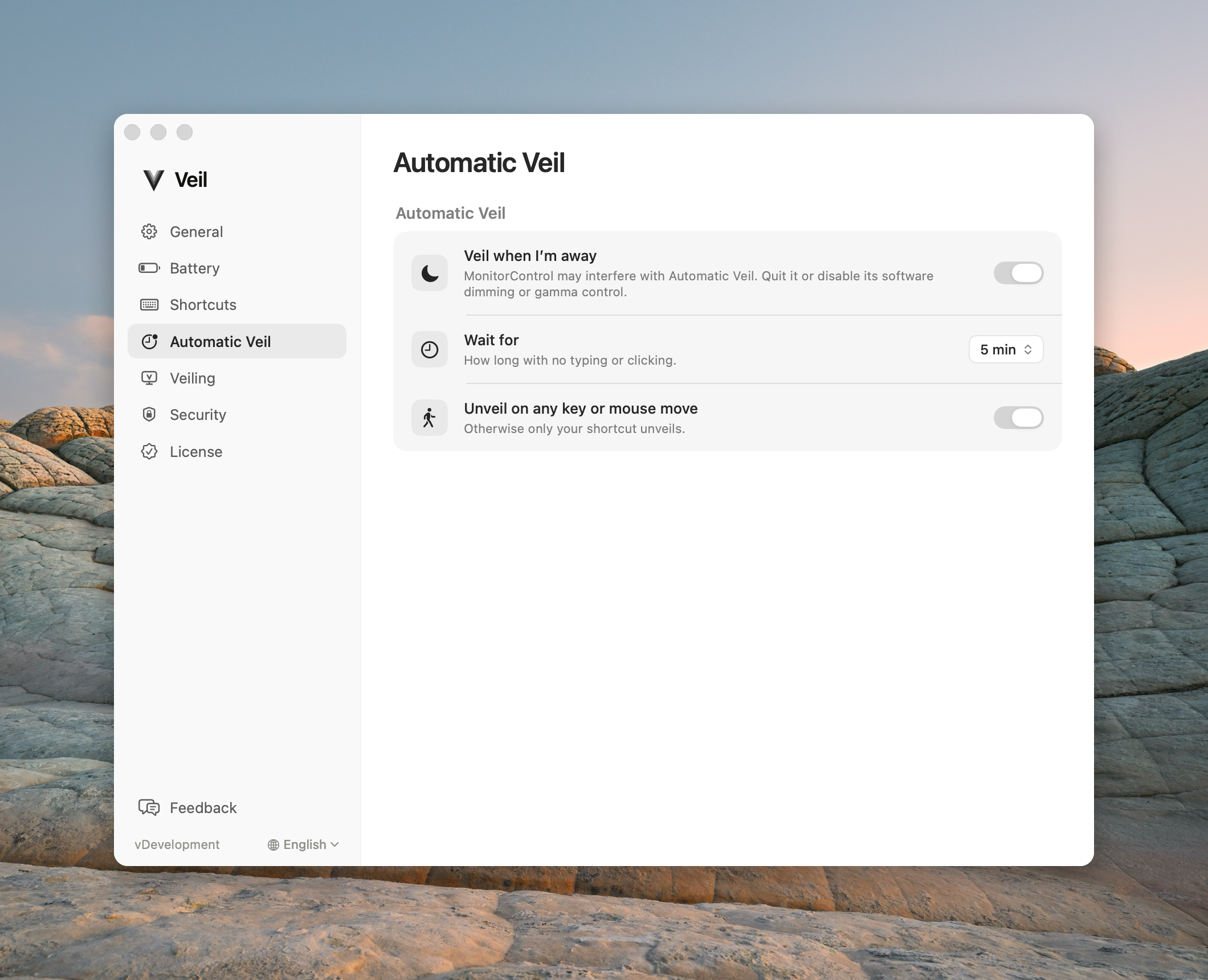
2. Quit the utility and retry
- Quit MonitorControl, f.lux, or the named utility.
- Wait a few seconds so it fully quits.
- Start a veil from the menu or the shortcut.
If a utility changes the displays during a veil, Veil brings them back and may lock macOS. That is a safety stop, not Ask for Touch ID when I come back.
3. Check the rest of the topology
DisplayLink, AirPlay, and Sidecar still refuse a session even after you quit a dimmer. See Displays.
Contact support
Email support@itsveil.com. Include the Veil version, macOS version, display setup, and the utility name. Do not send license keys or magic-link URLs.