HelpTroubleshoot
Magic link expired
A portal, referrals, or devices link is no longer valid.
A sign-in or device-management link is no longer valid. Request a new one. Do not forward the old URL to support.
Which link was it?
- Team admin sign-in — about 15 minutes, single-use. Request again at licenses.itsveil.com/login.
- Personal device portal — about 1 hour. Request again at itsveil.com/devices.
- Referrals dashboard — request again from the License pane share link or the referrals sign-in page.
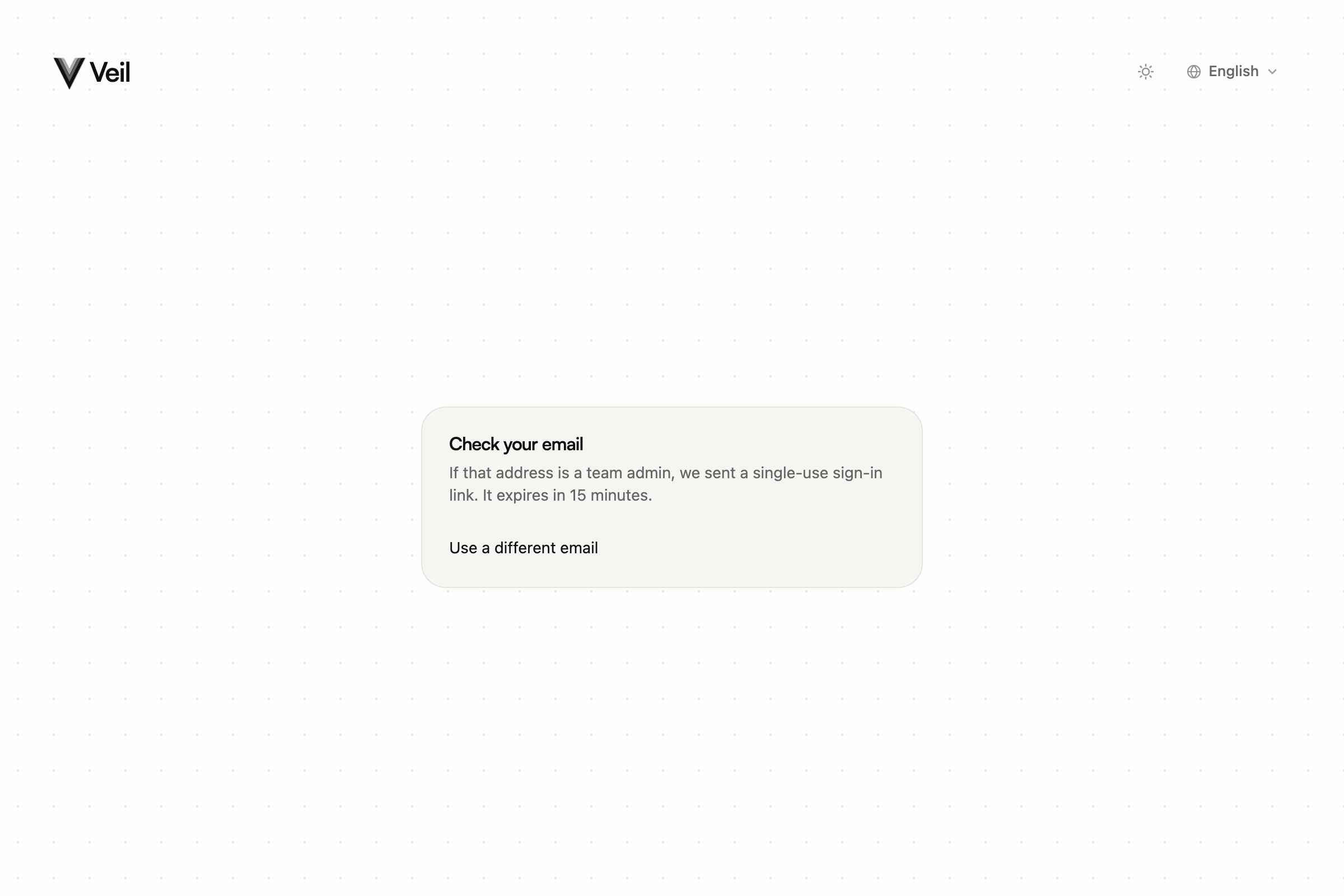
Team admin login. Request a new 15-minute link here.
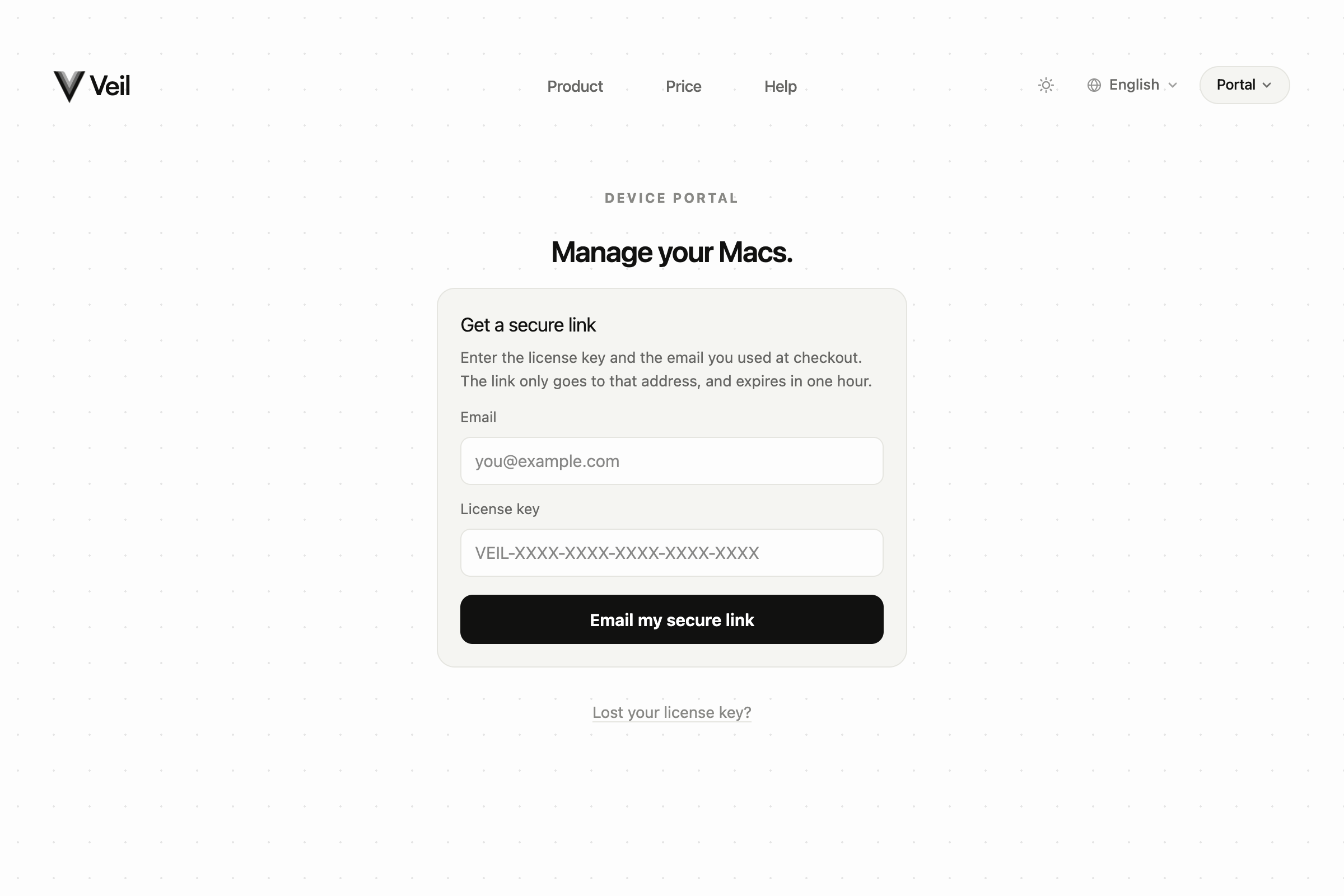
Personal devices. Request a new one-hour link here.
Request a fresh link
- Open the same page you used the first time.
- Enter the same admin or license-holder email.
- Open the newest email. Older links stay invalid.
The site always says a link was sent when that is the safe response. If nothing arrives, check spam, then wait and try once more.
Contact support
Email support@itsveil.com. Include the Veil version if you have the app, and which page you were on (team login, devices, or referrals). Do not send magic-link URLs or license keys.