HelpTroubleshoot
Shortcut does not work
Control–Escape is swallowed or conflicts with another shortcut.
Control+Escape (or your custom shortcut) does nothing, or another app already uses it.
1. Check for a conflict
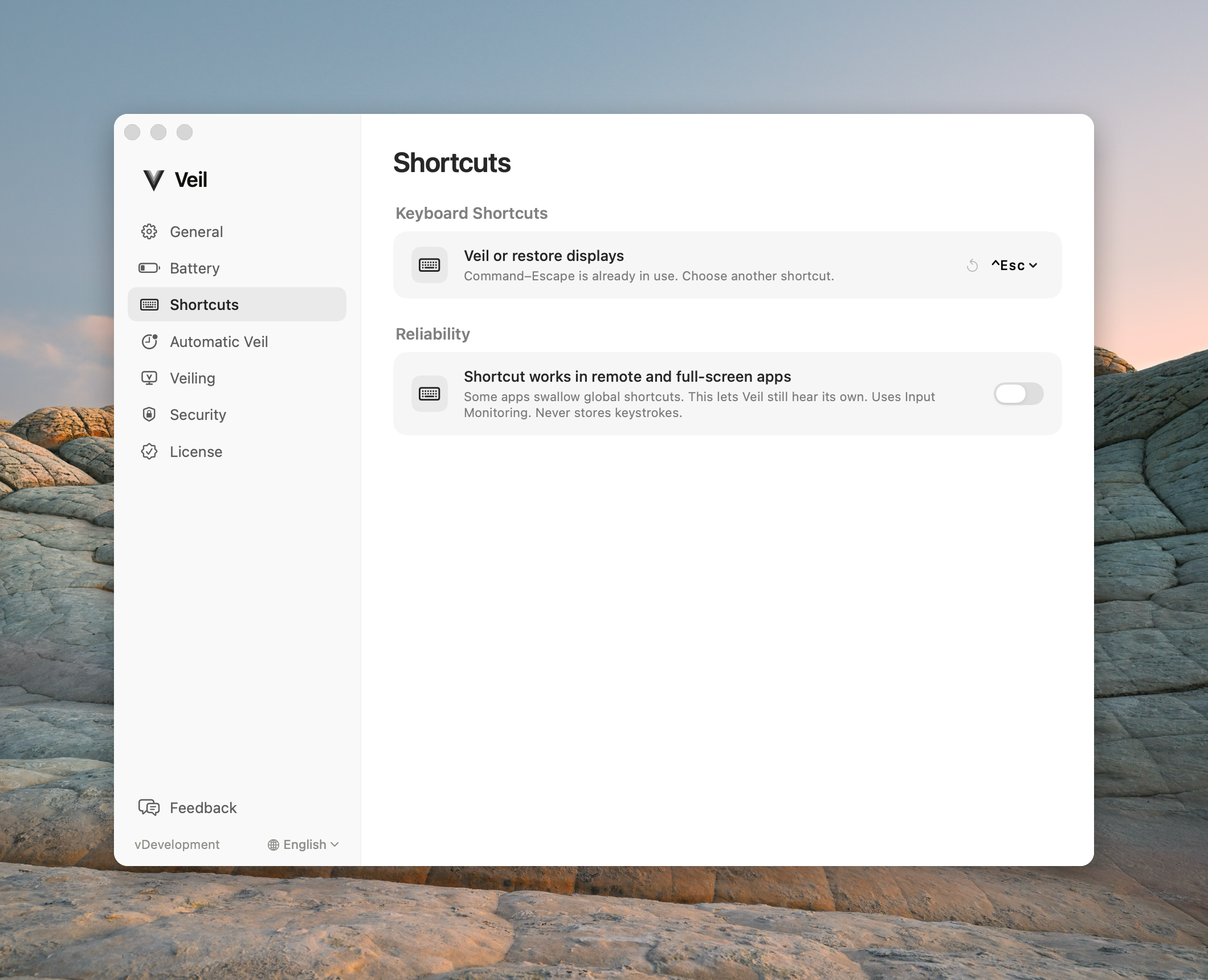
Open Settings › Shortcuts. If the shortcut is taken, Veil keeps the current one and shows a conflict. Record a new shortcut that includes ControlorCommand, or click the counterclockwise reset to restore Control+Escape.
2. Turn on the reliable shortcut
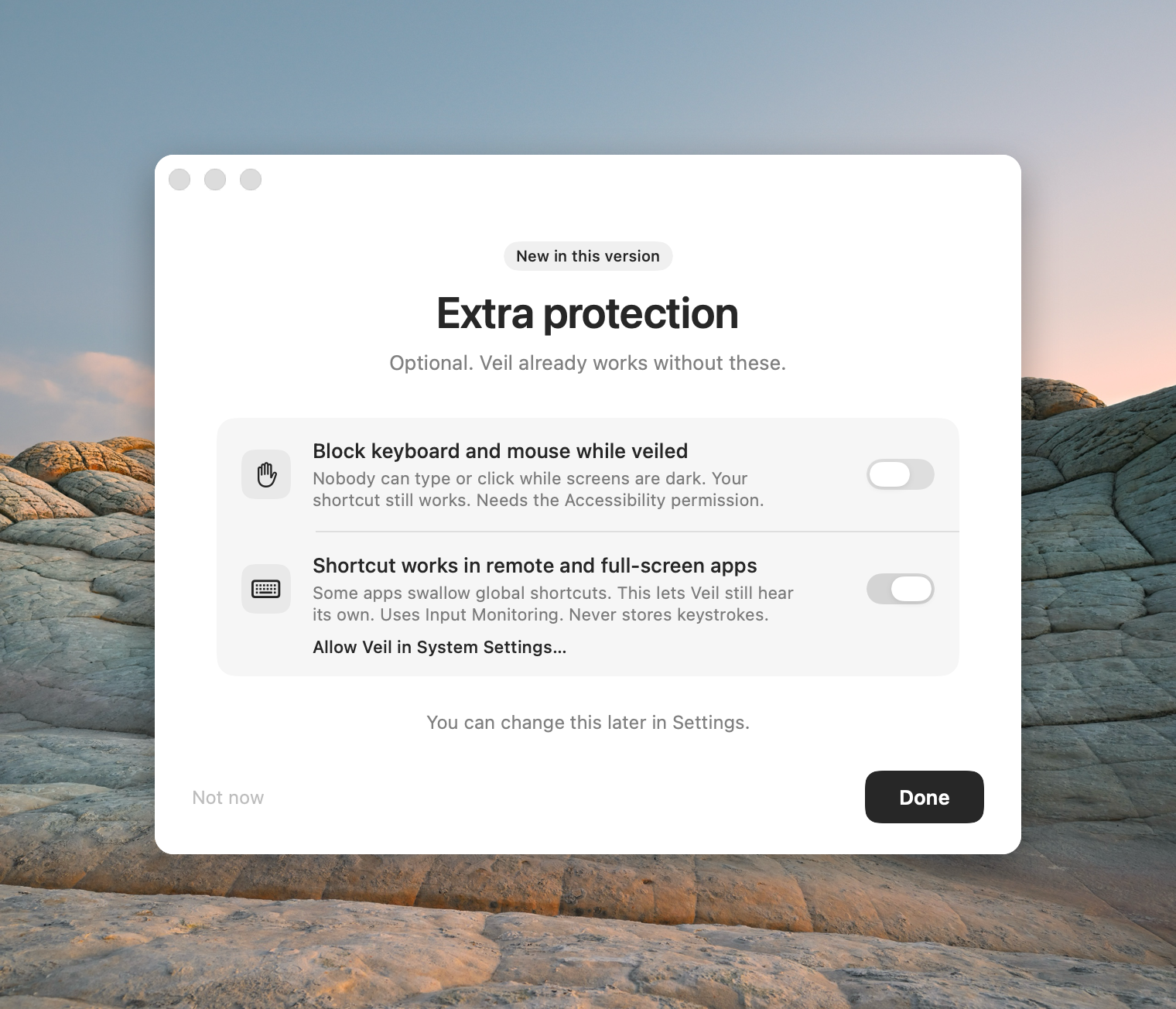
Full-screen apps, games, and remote-desktop sessions often swallow global shortcuts. Enable Shortcut works in remote and full-screen apps and allow Input Monitoring. Veil never stores keystrokes.
3. Try the menu
Click the menu bar mark and choose Veil This Mac or End Privacy. If the menu works and the shortcut does not, the problem is the keystroke path, not the displays.
4. Replay the tour try-it step
Settings › General → Welcome tour → Replay. The try-it step restores on its own in 15 seconds if the shortcut fails.
More on the permission: Extra protection.
Contact support
Email support@itsveil.com. Include the Veil version, macOS version, and whether you are in a VM, game, or remote-desktop app. Do not send license keys or magic-link URLs.