HelpTroubleshoot
License will not activate
Unrecognized key, device limit, or an expired activation link.
The key was not recognized, this Mac is over the device limit, or the activation link expired. Unveil and recovery still work while you fix it.
1. Confirm the key prefix
- Personal keys start with VPL- and cover two Macs.
- Team keys start with VTL-. Paste them in Settings › License. There is no employee login.
- Older keys still work.
Do not paste a personal key on a company Mac, and do not buy a personal key to replace a team seat.
2. Use an expired deep link’s emailed key
A veil://activate link is one-shot and lasts about 10 minutes. If it is already used or expired, open Settings › License and paste the key from your purchase email.
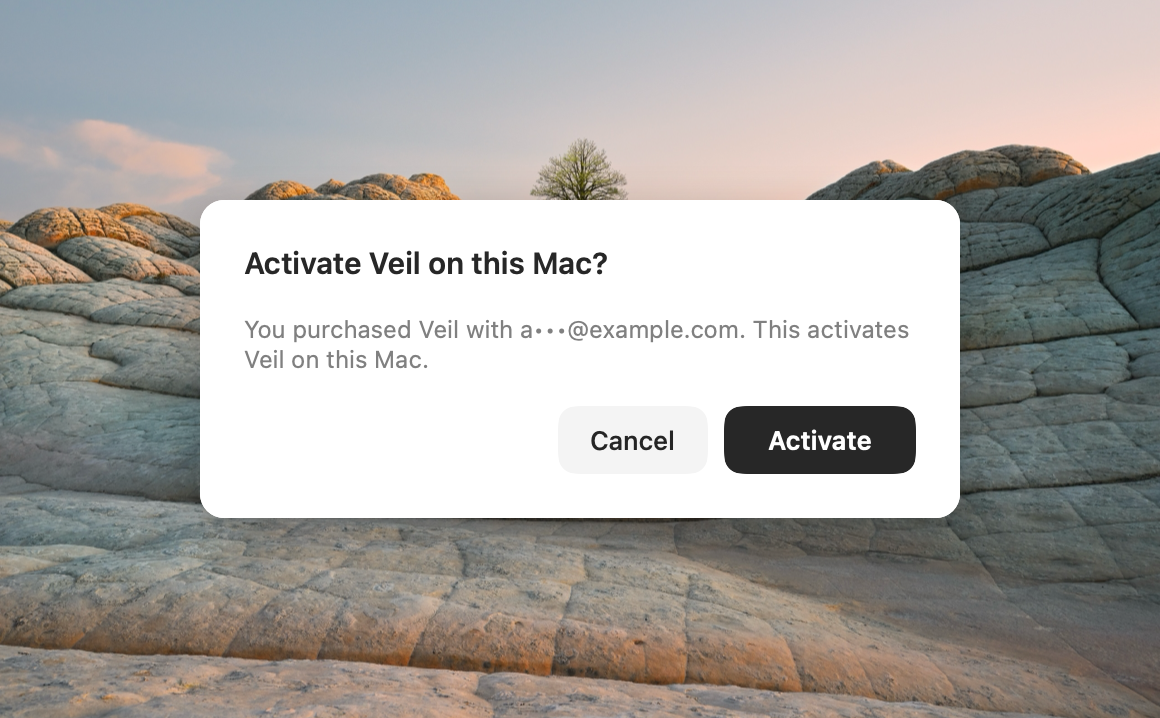
3. Device or seat limit
A third personal Mac, or a team Mac with no free seat, shows the active Macs and a portal link. Deactivate another Mac first. Personal devices: itsveil.com/devices. Team seats are released by the admin.
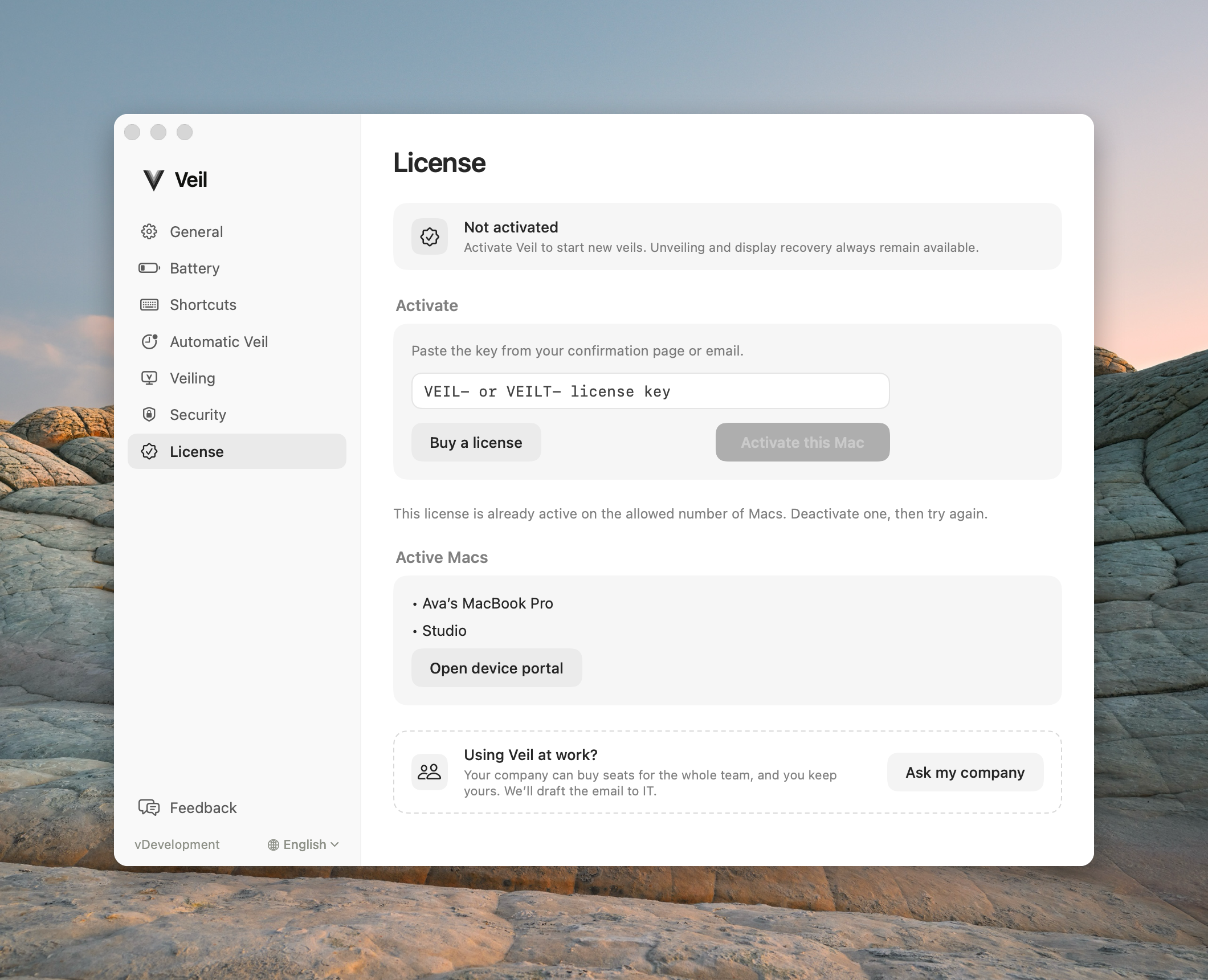
4. Network and unrecognized keys
Check the connection and try Activate again. An unrecognized key is usually a typo or a team key pasted as personal. Rate limits clear if you wait and retry.
Contact support
Email support@itsveil.com. Include the Veil version, macOS version, and whether the key is VPL- or VTL-. Do not send the full license key or a magic-link URL.