HelpTroubleshoot
Trial ended
The trial ended, so new veils cannot start. Unveil still works.
The 14-day trial ended, so Veil cannot start a new veil. Unveil and recovery still work. If the screens are black, you are not stuck.
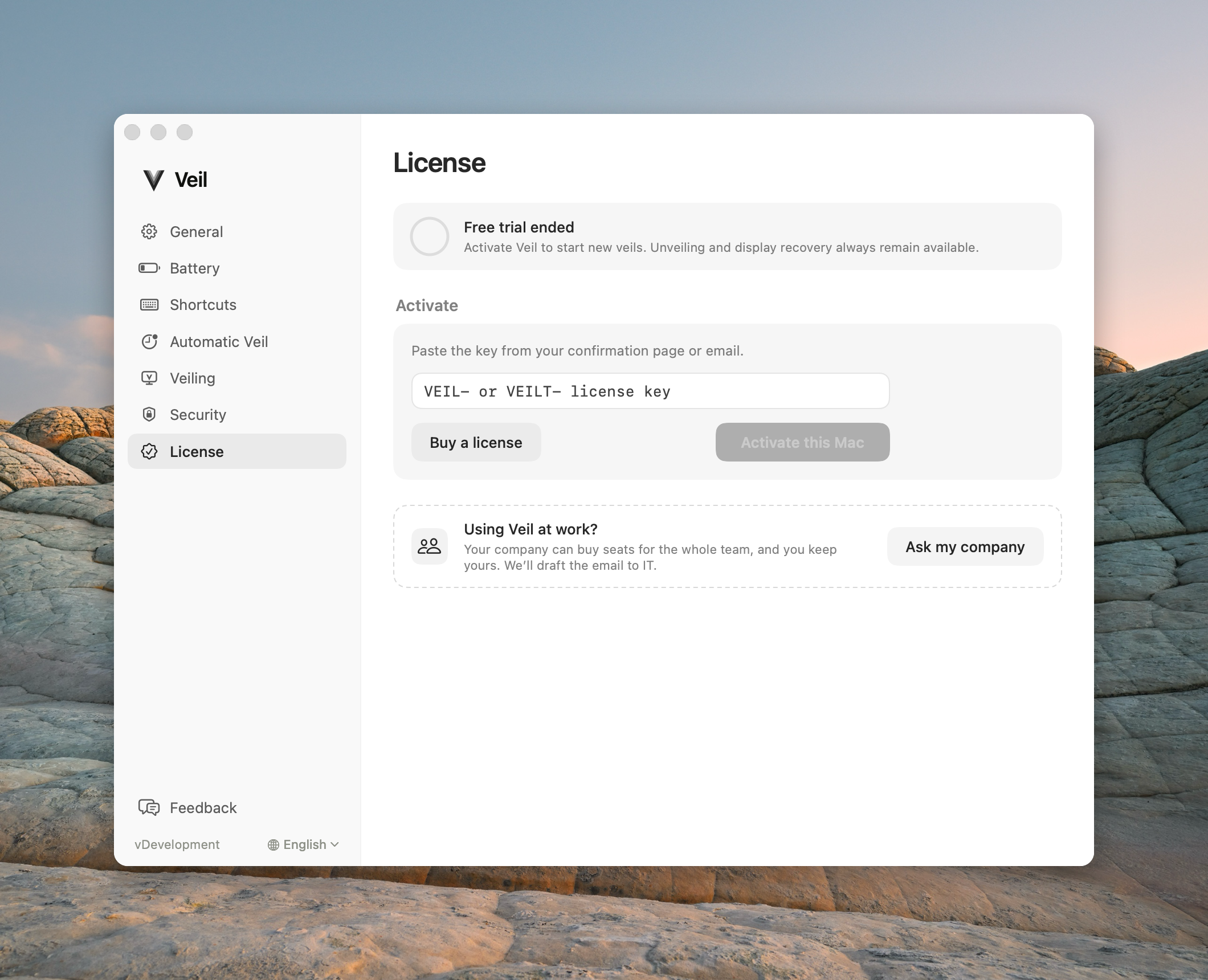
License settings showing the free trial ended
1. Unveil first if the screens are black
Press the shortcut or choose End Privacy. An ended trial never gates unveil, restore, or the recovery screen.
2. Activate or ask your company
- Personal: Settings › License → Activate or buy a VPL- key.
- Work: paste a VTL- key, or use Ask my company. Do not buy a personal key for a managed Mac. See Activate a team key.
3. Managed Macs are not on a personal trial
If the License pane says Managed by your organization, you were never on the 14-day trial. New veils wait for team activation. Unveil still works.
Contact support
Email support@itsveil.com. Include the Veil version and macOS version. Do not send license keys or magic-link URLs.