HelpUsing Veil
Automatic Veil
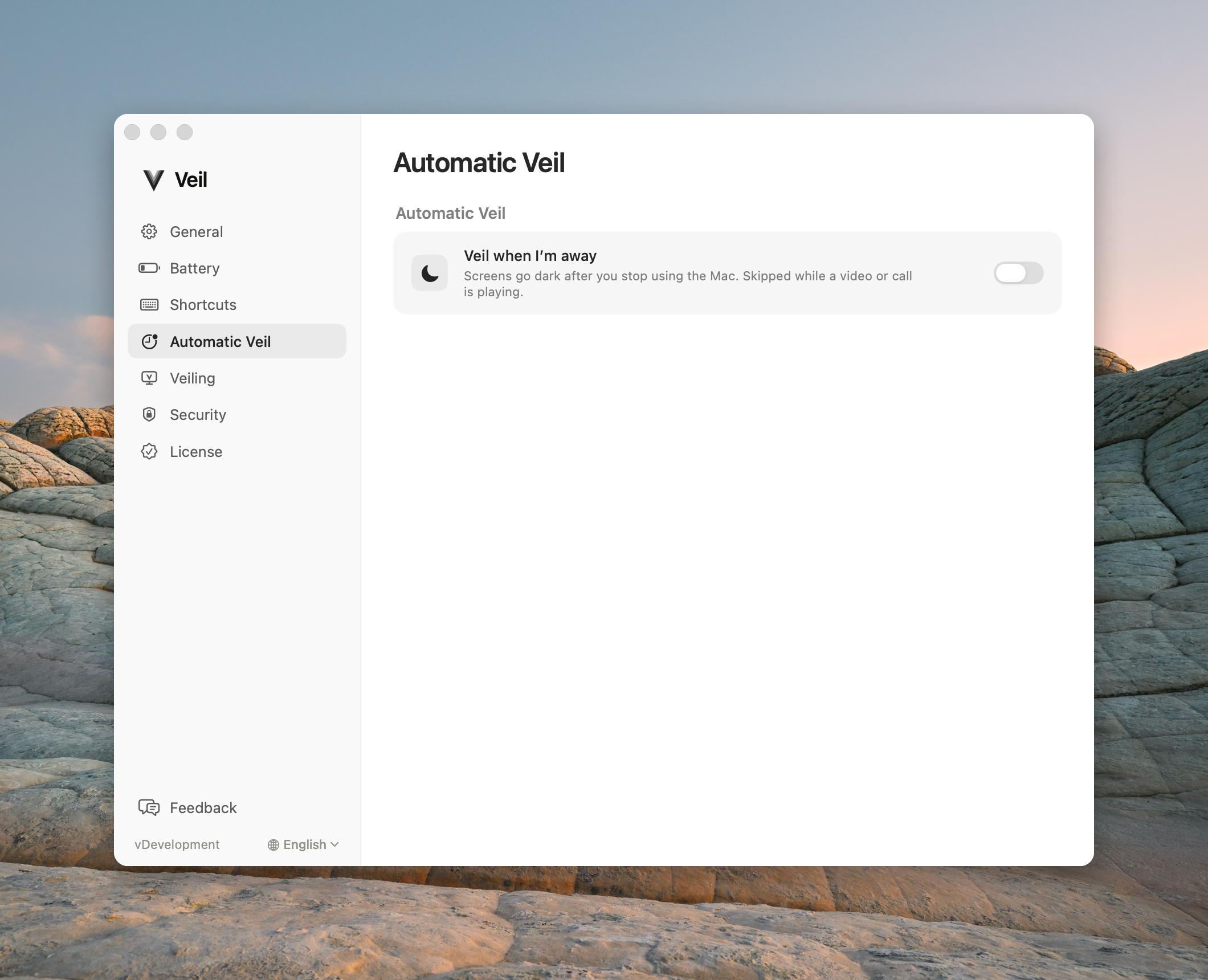
Veil when I’m away starts after idle time. It does not lock macOS when the timer fires.
Automatic Veil covers the desktop after you stop using the Mac. It does not lock macOS when the idle timer fires.
Veil when I’m away is off on a new personal install. Turn it on in Settings › Automatic Veil. Wait for defaults to 5 minutes — that is how long Veil waits with no typing or clicking before it starts. Expiry of that wait starts Automatic Veil. It does not request Lock Screen.
Automatic Veil is skipped while a video, call, presentation, or screen share keeps a display awake. The pane then shows Automatic Veil paused — another app is keeping a display awake.
Unveil on any key or mouse move is on by default. It is a convenience trigger, not identity. Remote software and virtual input can fire it. The configured shortcut still unveils. The trigger never bypasses Ask for Touch ID when I come back — if you return after the chosen time, Veil keeps the screens black and asks macOS to lock. See Idle delay and Touch ID.
If MonitorControl or f.lux is running, their warning replaces the Automatic Veil detail copy. Quit the utility or disable the setting that dims the display. See MonitorControl and f.lux.