HelpPersonal license
Lost key
Resend a personal VPL- key. Team keys are not resent here.
VPL- personal, two MacsVTL- team seats
Resend a personal VPL- key from /devices/lost-key. Team VTL- keys are not resent here.
Ask for the key again
- Open itsveil.com/devices/lost-key.
- Enter the email you paid with.
- Choose Resend my key.
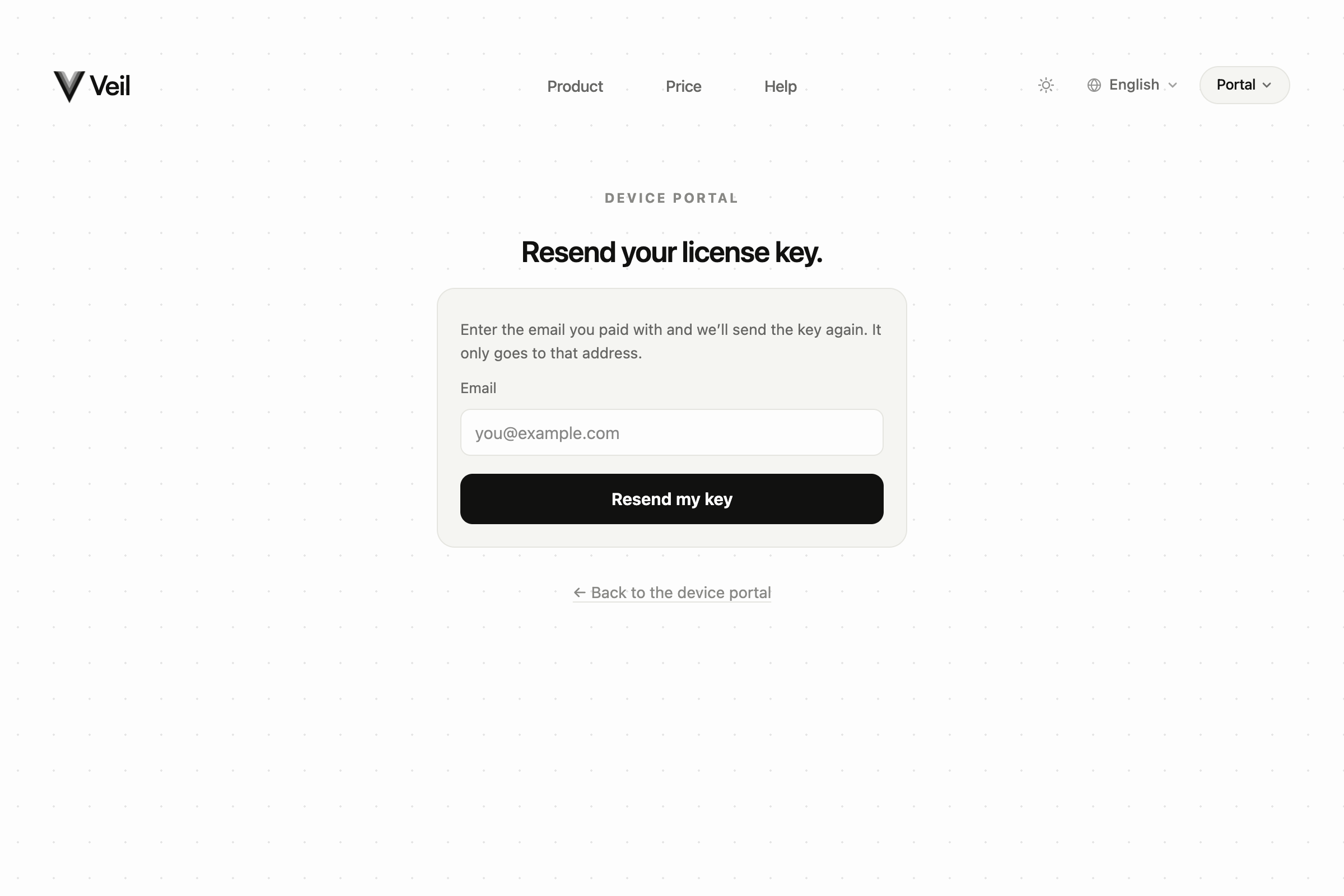
Lost-key form asking for the checkout email
The page always says: if a license exists for that email, the key is on its way. It never confirms whether a purchase is on file. Check the inbox for Your Veil license key from licenses@mail.itsveil.com.
Screenshot coming soon
Your Veil license key email with the key masked
/help-screenshots/veil.email.license.purchase.png
Your Veil license key email with the key masked
Paste the key in Settings › License. If you need to free a Mac first, use Two Macs per key.