HelpPersonal license
Two Macs per key
A personal license covers two Macs. Manage them at /devices.
VPL- personal, two MacsVTL- team seats
One personal license activates two Macs. To free a slot, deactivate a Mac you no longer use. You cannot deactivate this Mac from Settings while it is live.
When this Mac is already one of two
If both slots are taken, Settings › License shows the device-limit state. Leave this Mac as it is. Free a slot from the web portal, then paste the key here again.
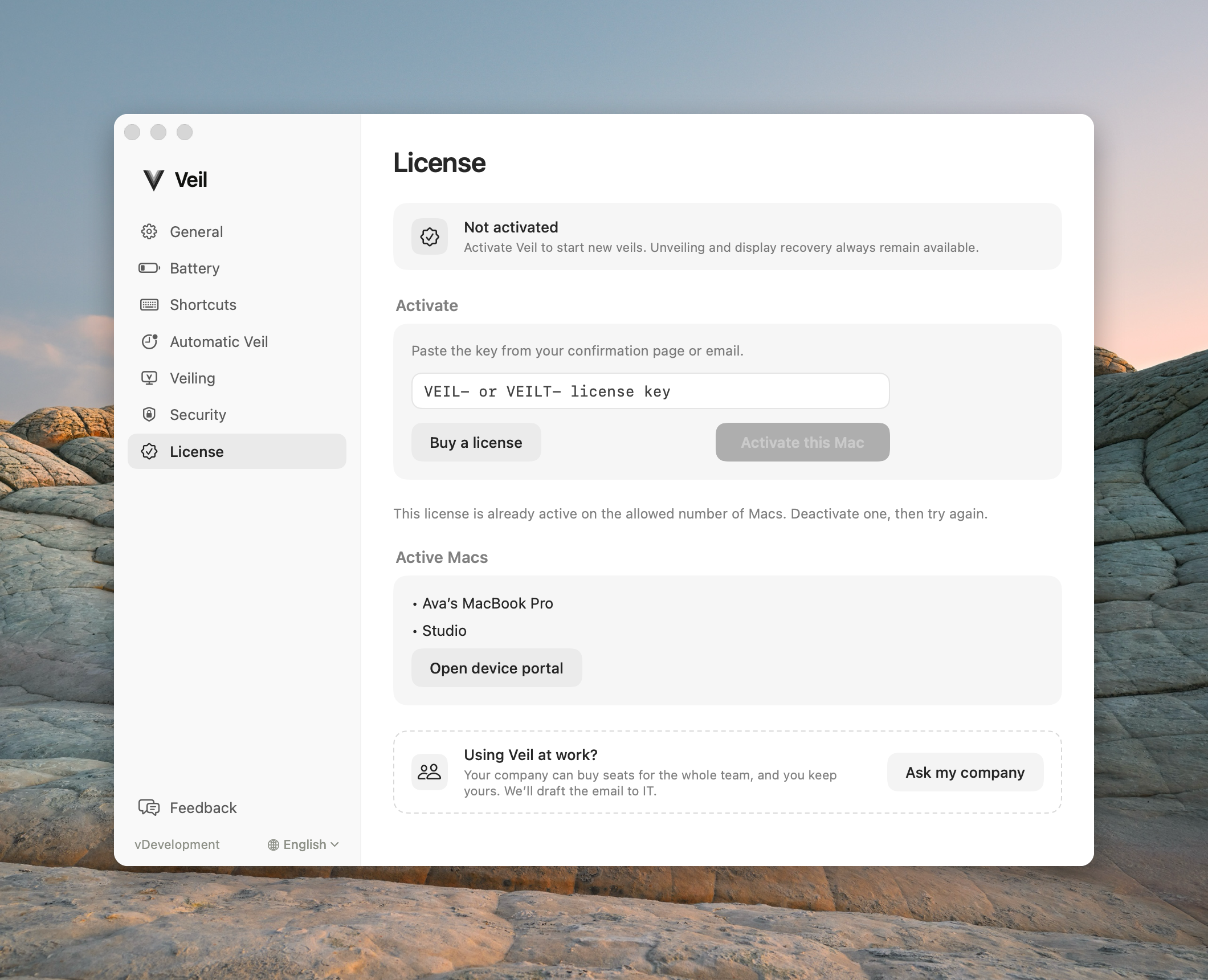
License settings when both Macs on this personal key are already used
Deactivate a Mac at /devices
- Open itsveil.com/devices.
- Enter the Email you used at checkout and your License key.
- Choose Email my secure link. The link goes only to that address and expires in one hour.
- Open the Manage your Veil devices email, then choose Deactivate on the Mac you want to free.
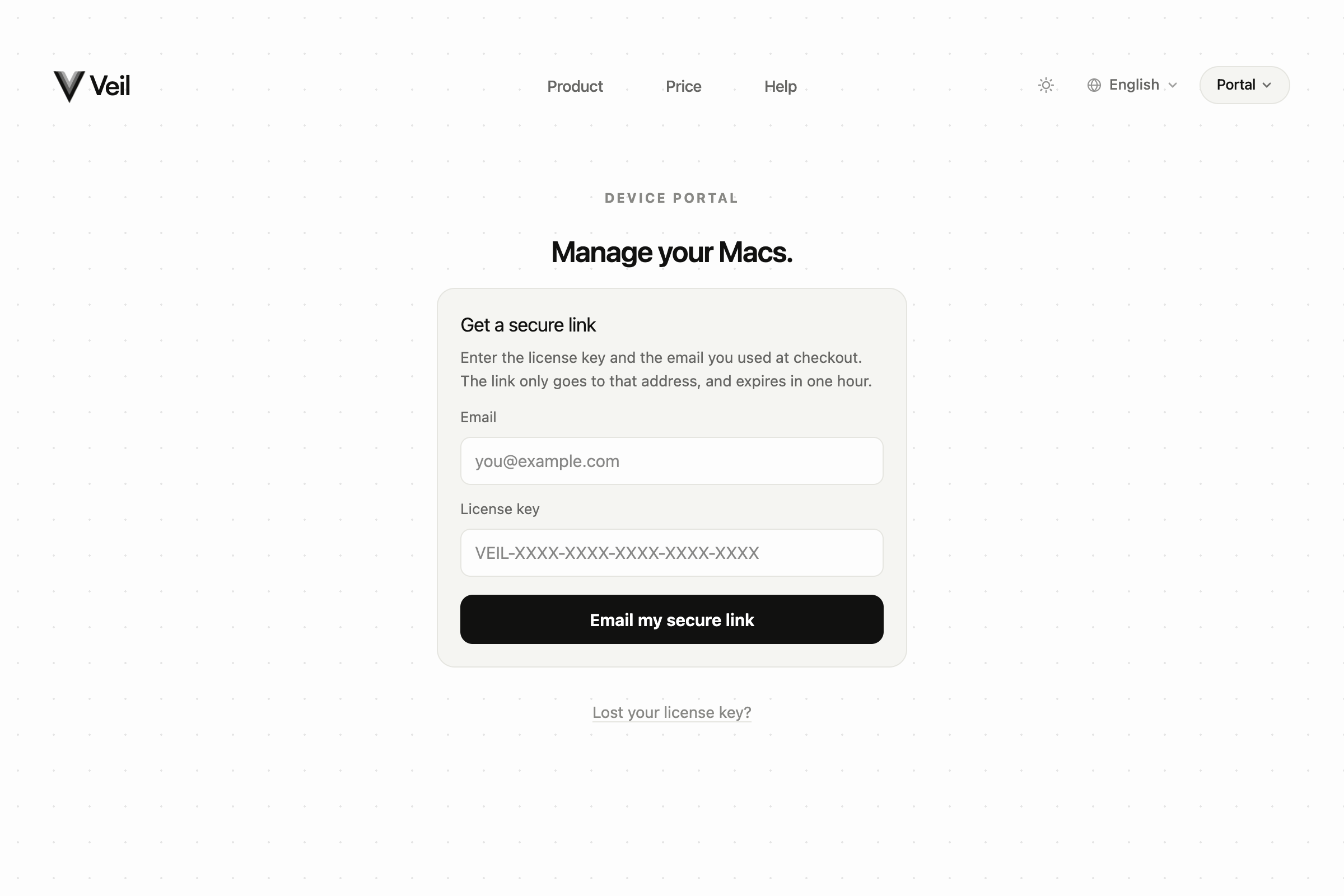
Request a one-hour link. Email and personal key only.
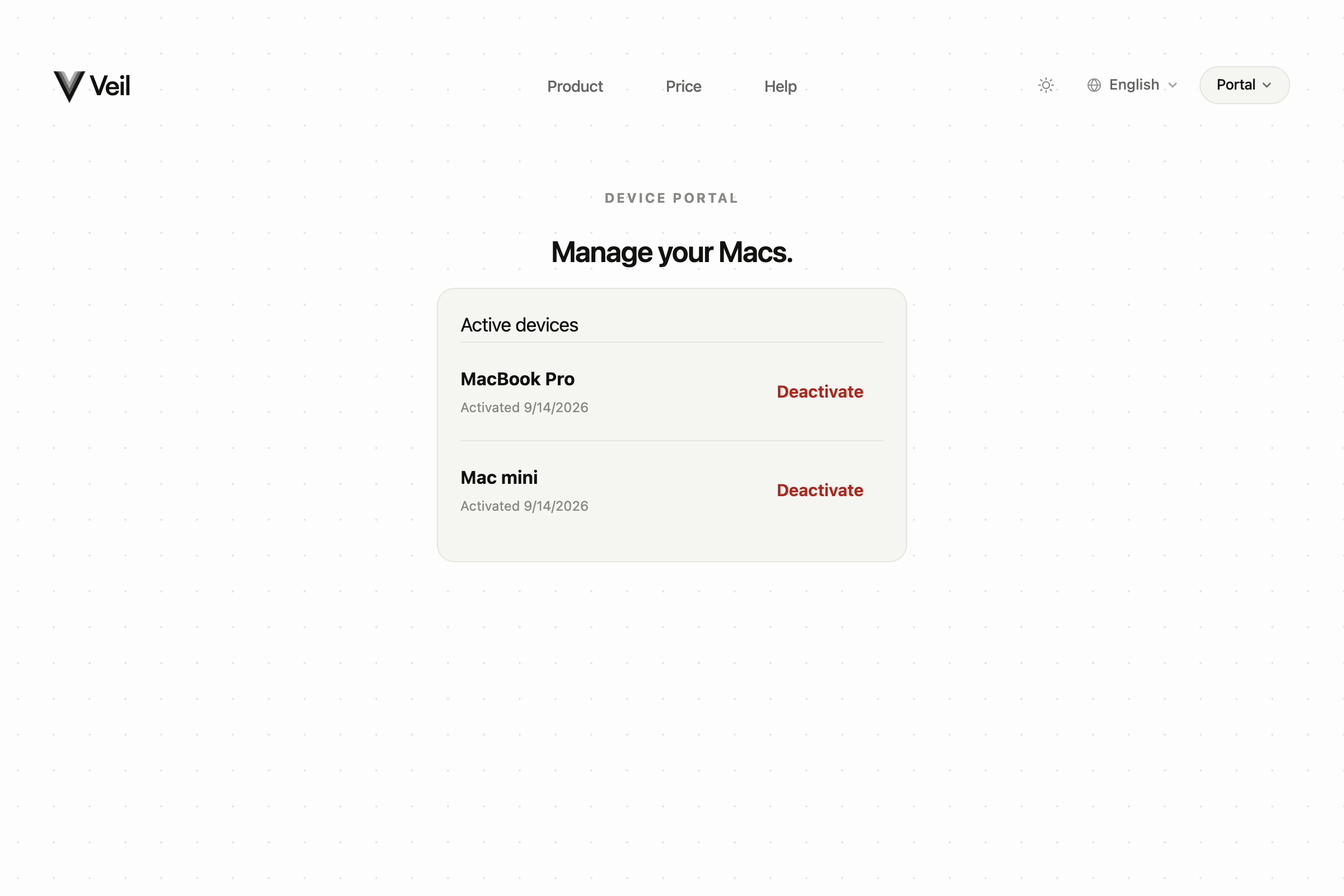
After the link, deactivate the Mac you want to free.
After you deactivate, that slot is ready for another Mac. Activate the new Mac from Settings › License by pasting the same VPL- key.