HelpUsing Veil
Veil and unveil
Hide every supported display now, then bring the desktop back.
Hide every supported display now, then bring the desktop back.
Start a veil
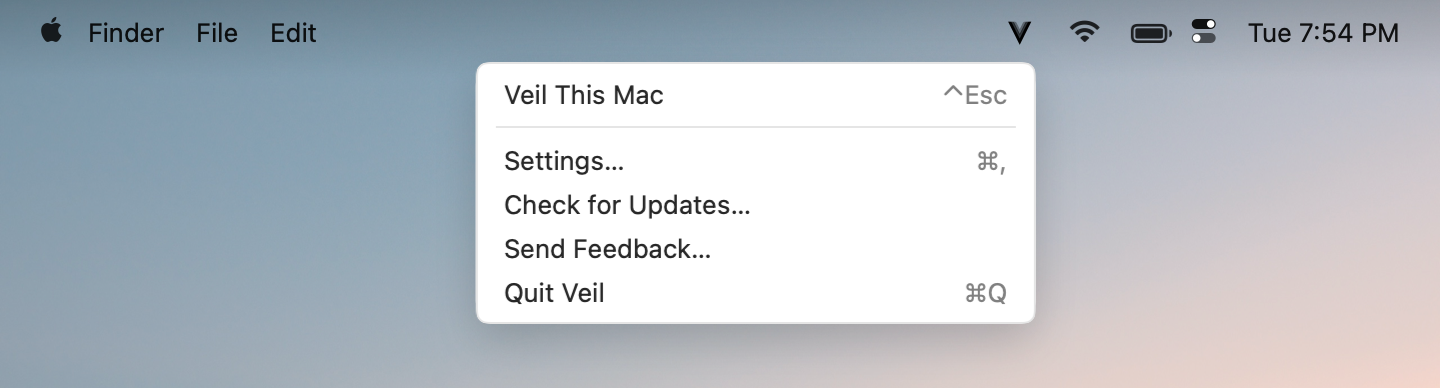
- Click the menu bar mark and choose Veil This Mac, or press the shortcut (default Control+Escape).
- If Branded transitions are on, the Veil cover appears first. Displays then go black.
A second press means two different things
- During the branded cover or its Keep brand visible hold, a second shortcut cancels the pending start. Screens return without going black.
- After the screens go black, the same shortcut unveils.
Bring the desktop back
Choose End Privacy, or press the shortcut again. If Play on unveil is on, a short branded reveal plays while the desktop returns.
Ask for Touch ID when you come back
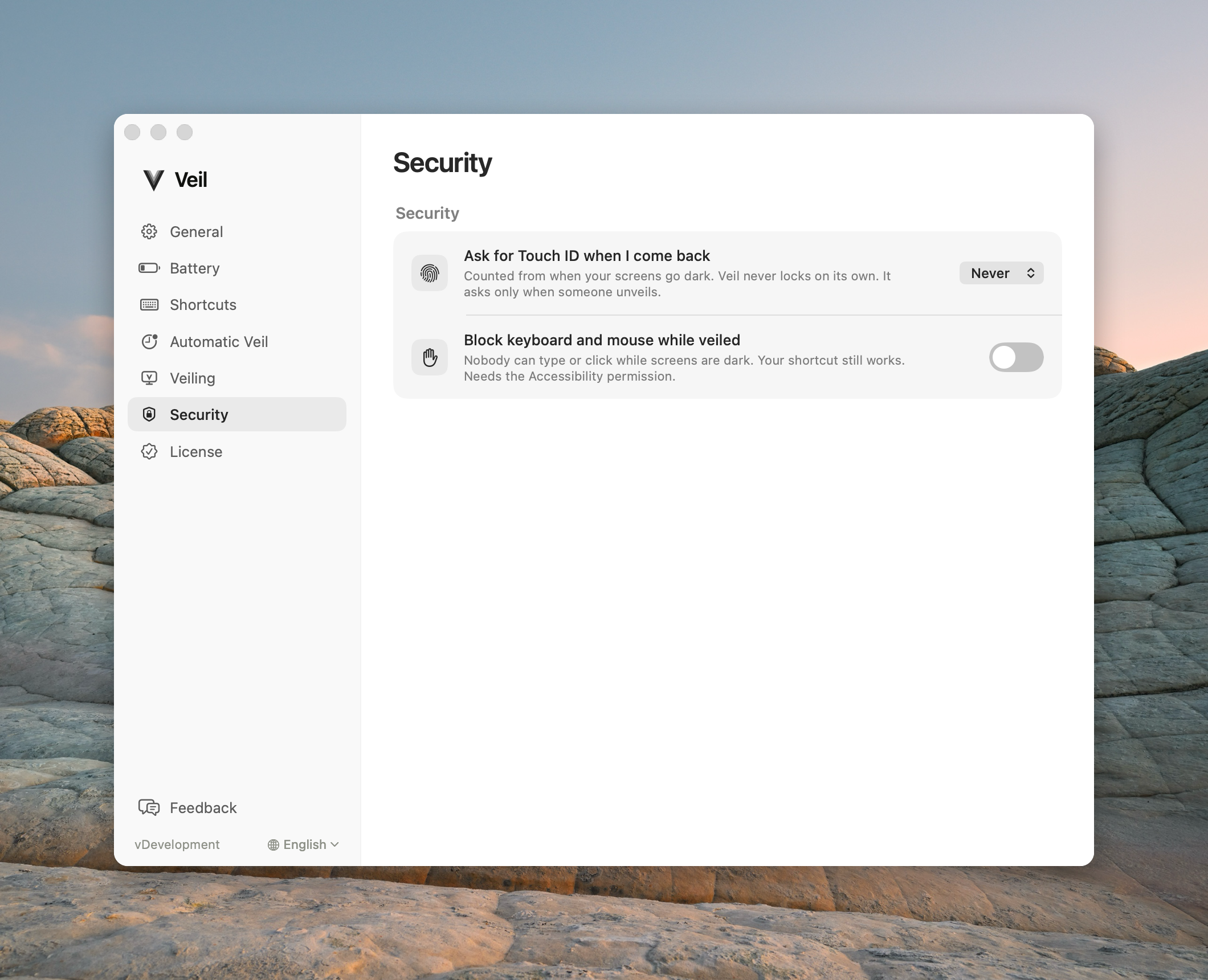
Ask for Touch ID when I come back in Settings › Security applies to every veil, including one you start yourself. Choose Never, Immediately, After 1 minute, After 5 minutes, or After 15 minutes.
The time counts from the moment the screens first go dark. Come back inside it and the desktop returns directly. After it, Veil keeps the displays black, requests the native macOS lock, and restores onto the Lock Screen. Unlock there with Touch ID or your password. Veil never collects a password in its own window.
Veil never locks on its own when the time passes. It asks only when someone unveils.
If that lock request fails, the screens stay black and Veil shows a recovery screen. See Displays stayed black.